Home
Everything starts on your dashboard
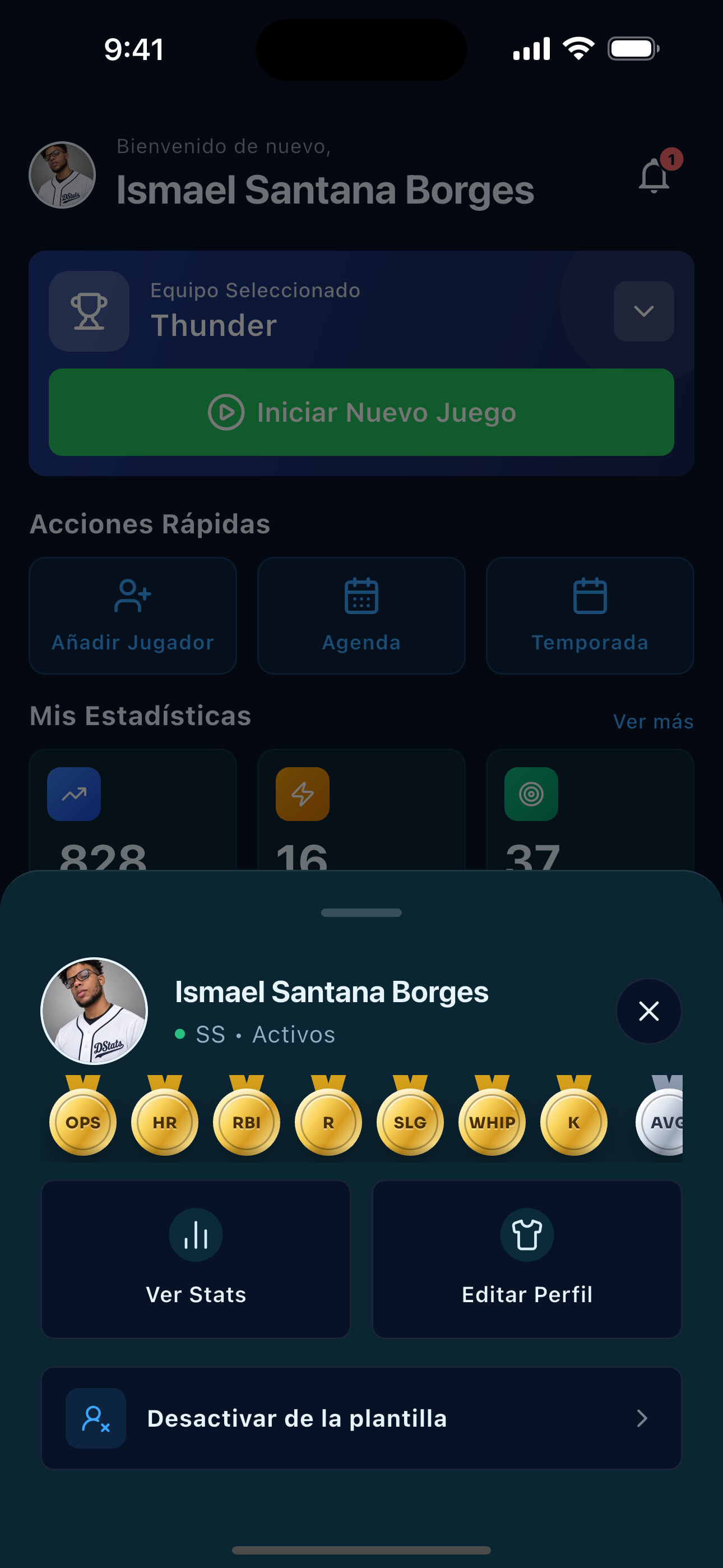
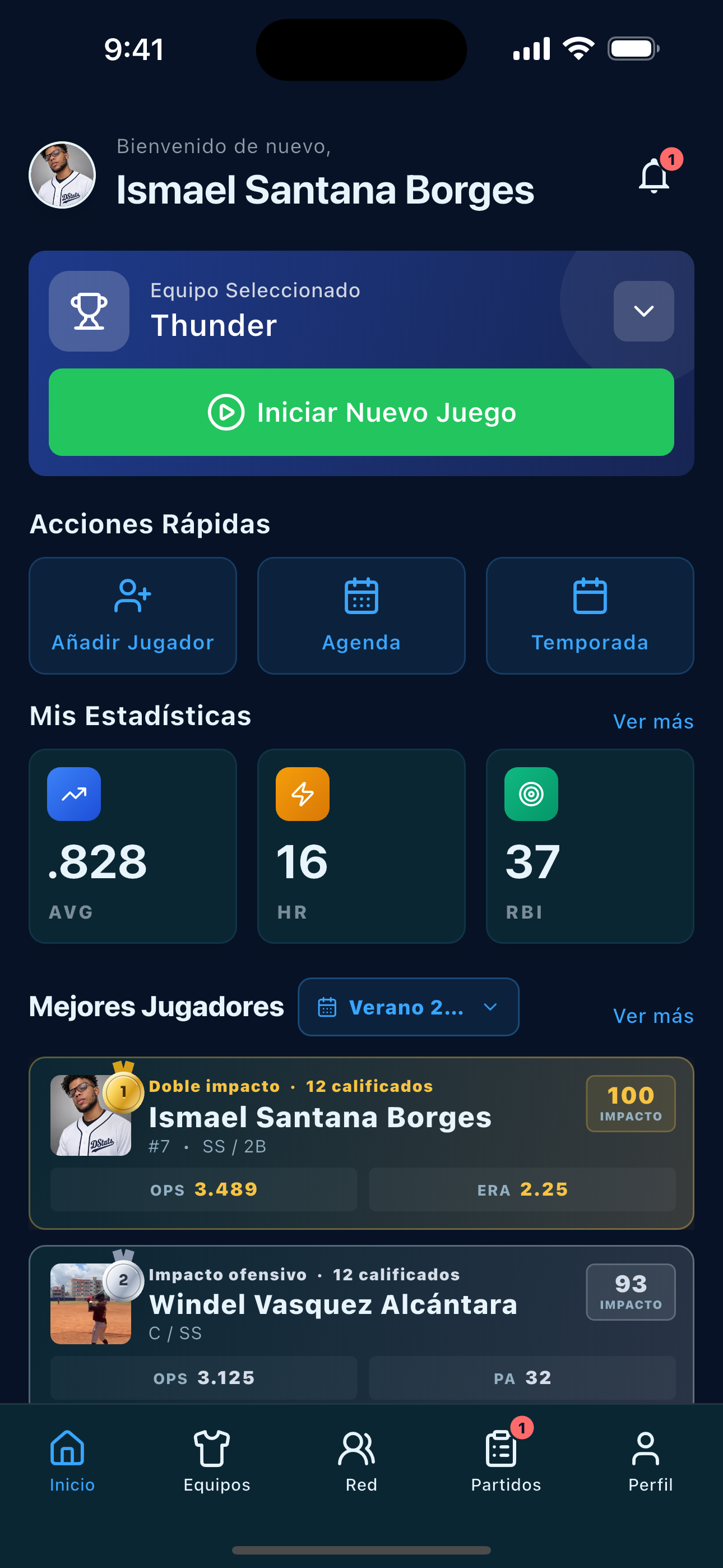
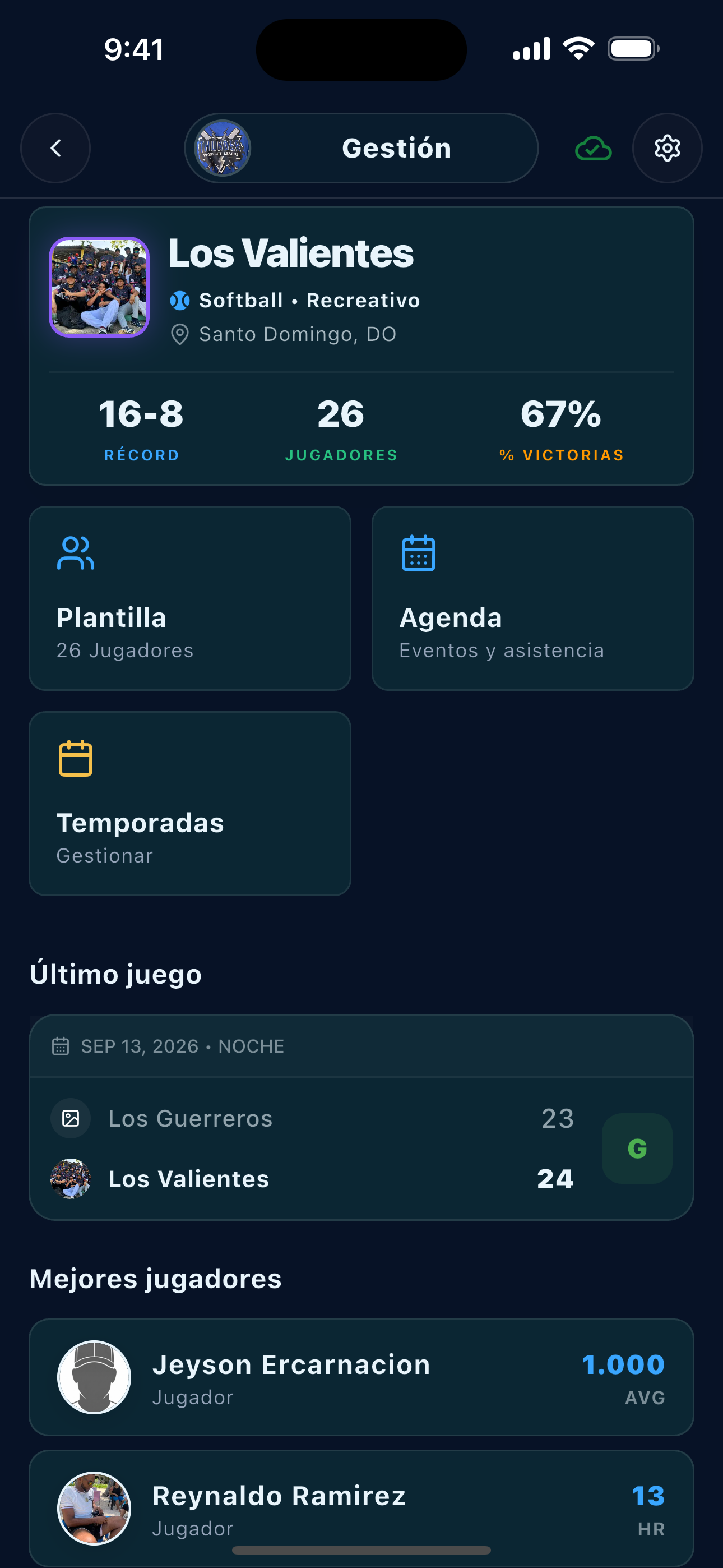
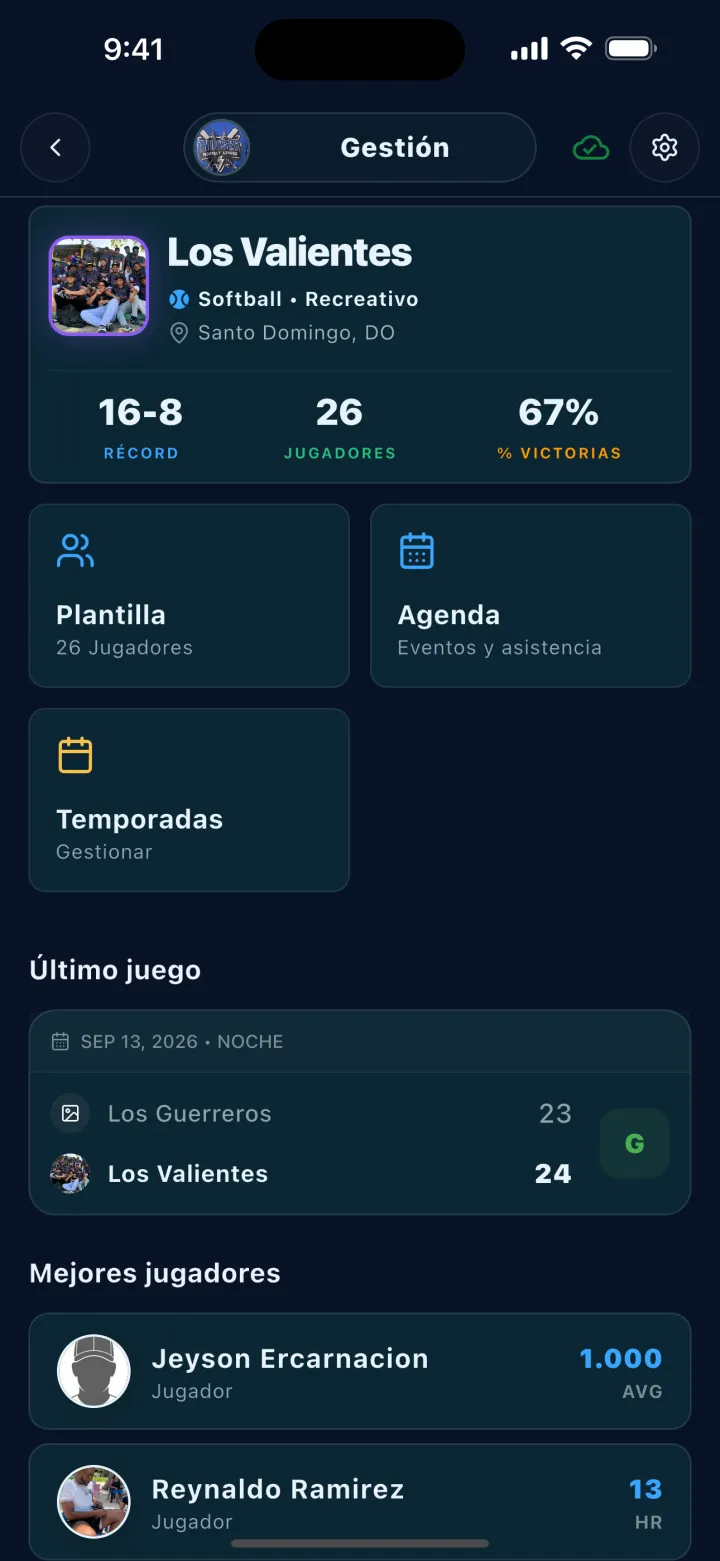
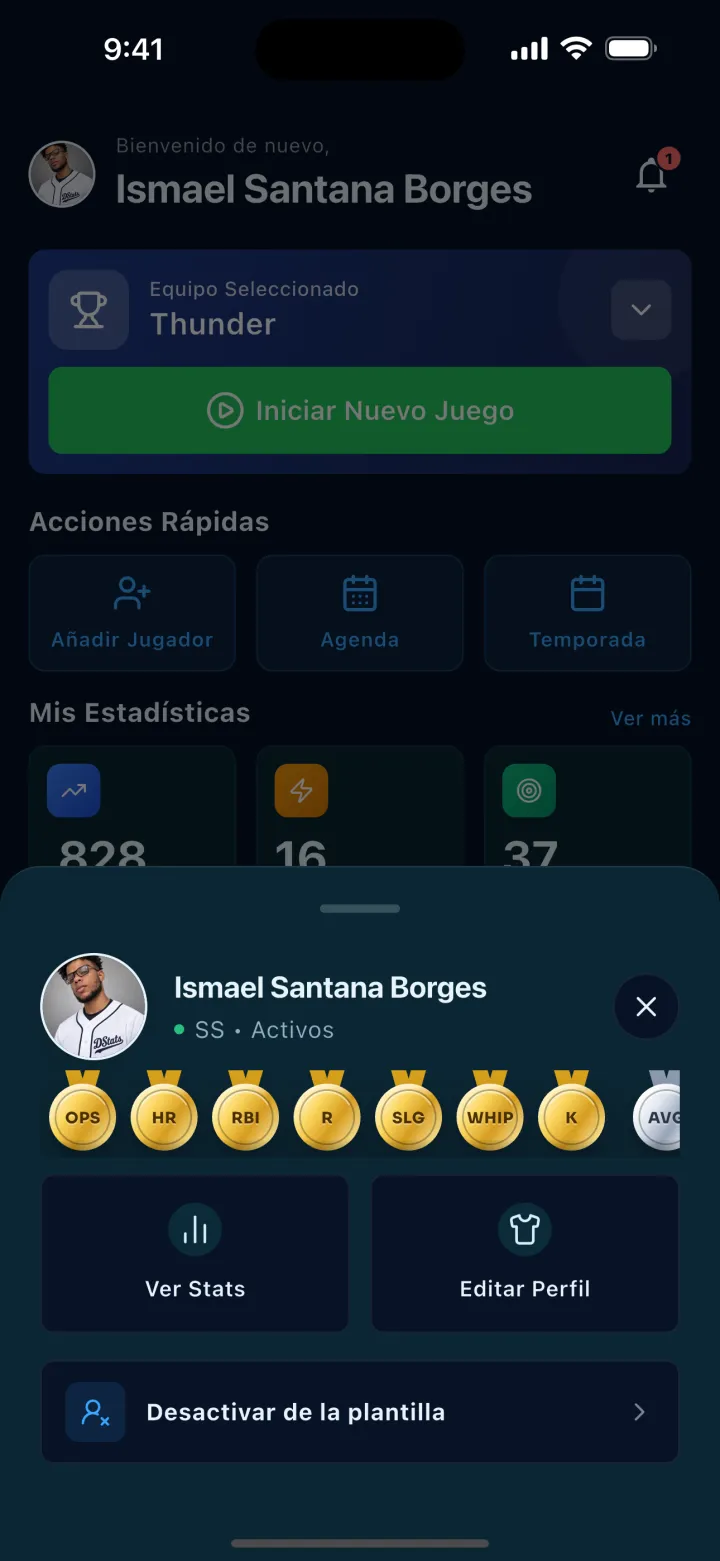
See your active team, quick actions, upcoming games, and performance on Home.
Complete guide · DStats
A clear tour of 11 DStats areas with real screenshots. See what the app does in seconds and open the steps when you want more detail.
Start here
Follow the main flow in a minute, then jump to the feature you need.
Set up the team, roster, and season schedule.
2Record the game play by play, starting with the lineup.
3Explore the box score, stats, and shareable cards.
For every team in the league
DStats brings team operations together and turns what happens on the field into information you can review and share.
Schedules, event calls, and availability help organize the squad before first pitch.
Scoring feeds results, box scores, and stats without rebuilding the game afterward.
Players and staff can review history, leaders, and season numbers.
Results and player cards give the moments that move your community a spotlight.
Home
See your active team, quick actions, upcoming games, and performance on Home.
Teams
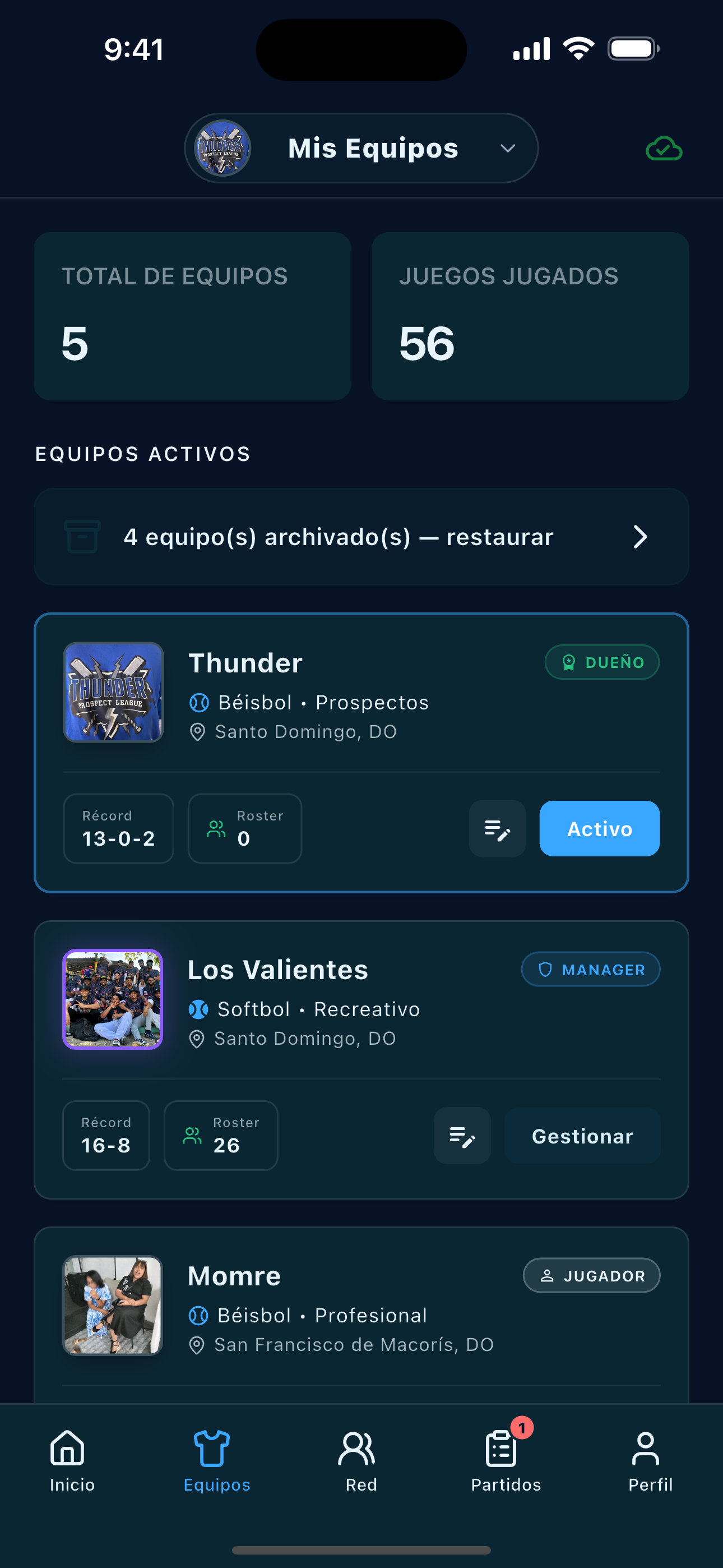
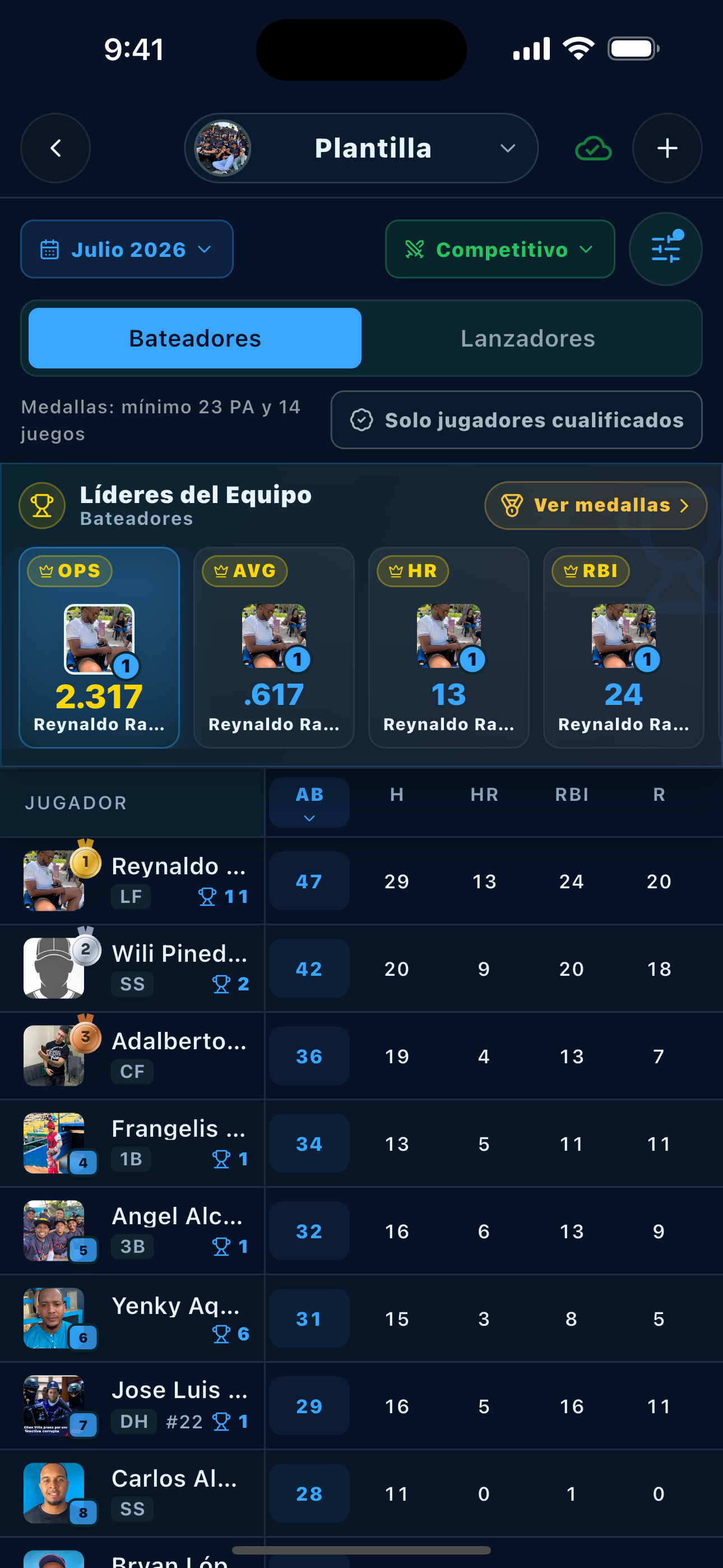
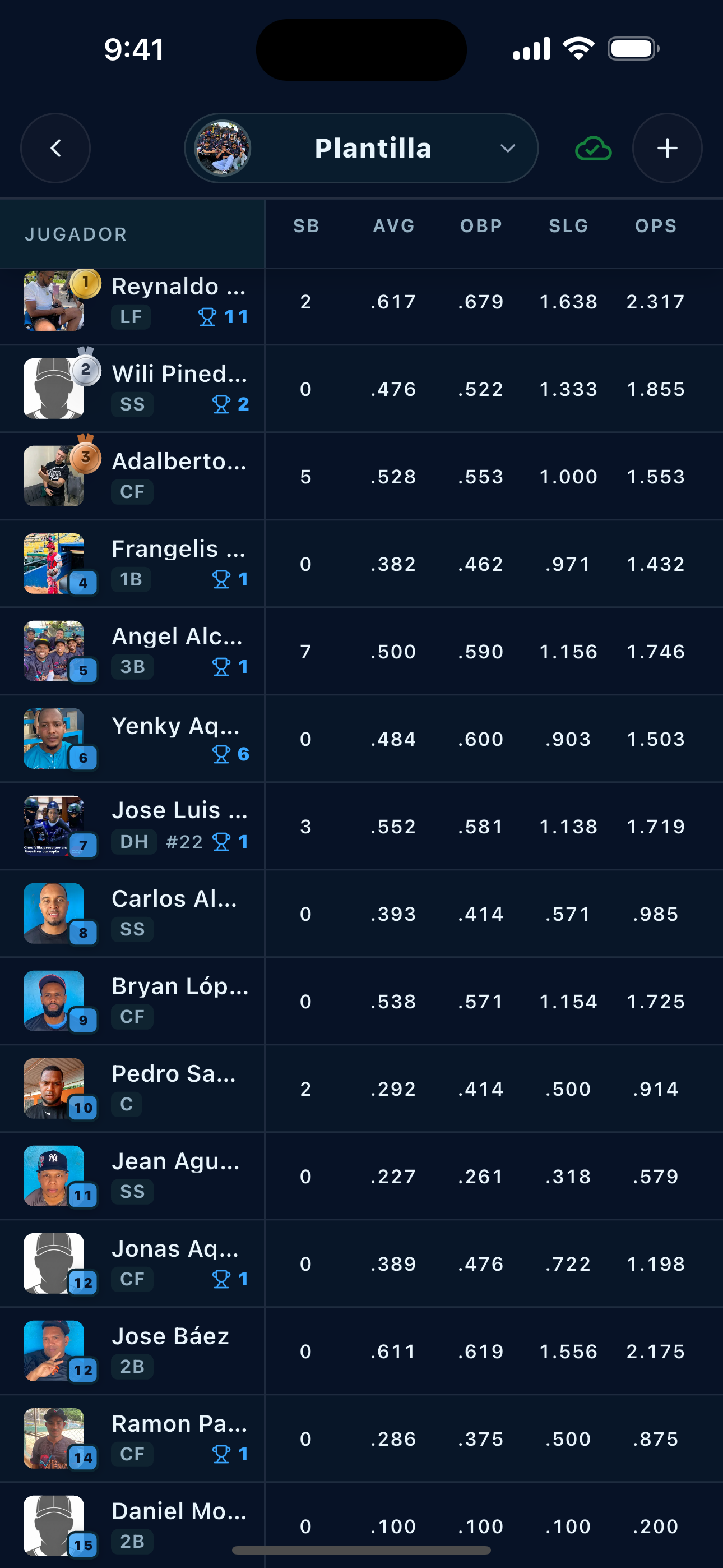
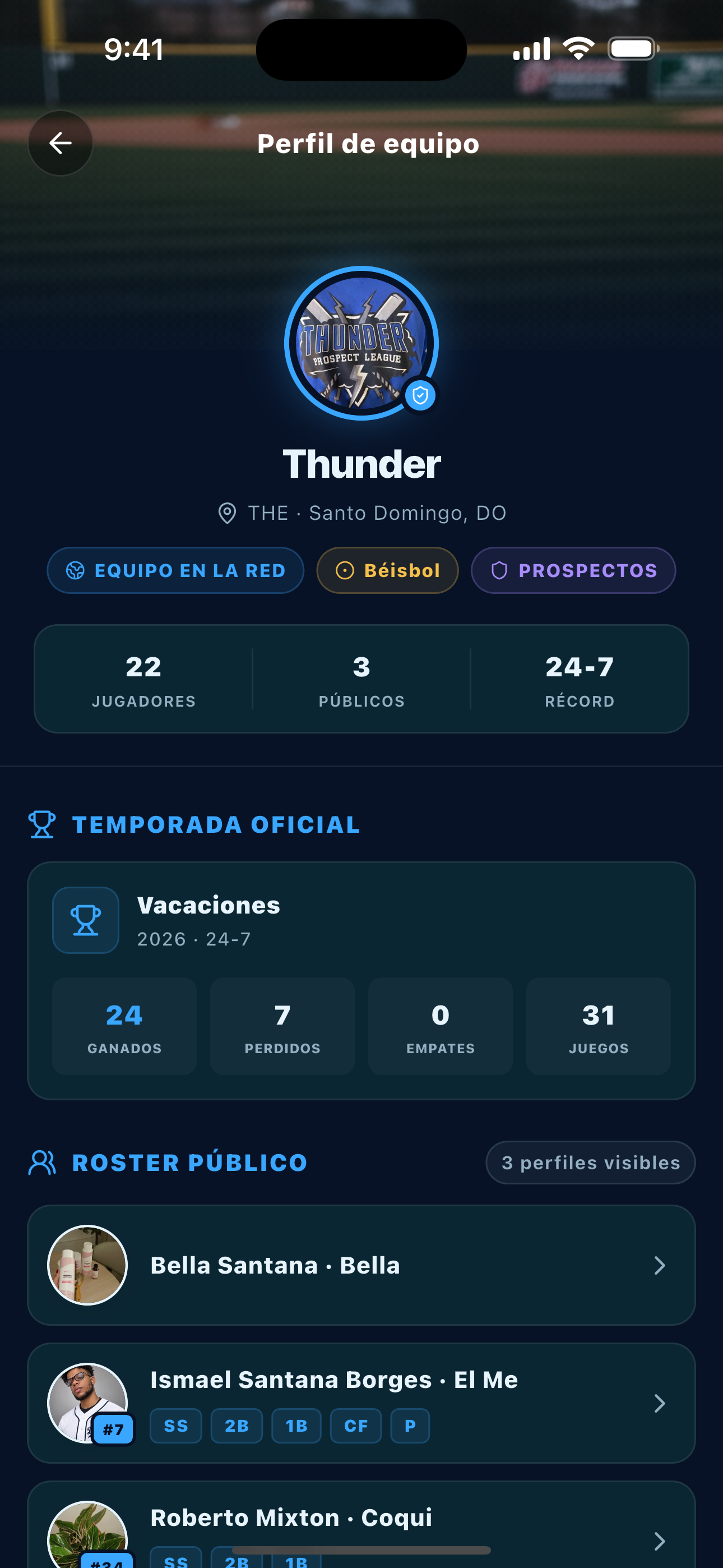
Keep teams, players, and season leaders together.
Seasons
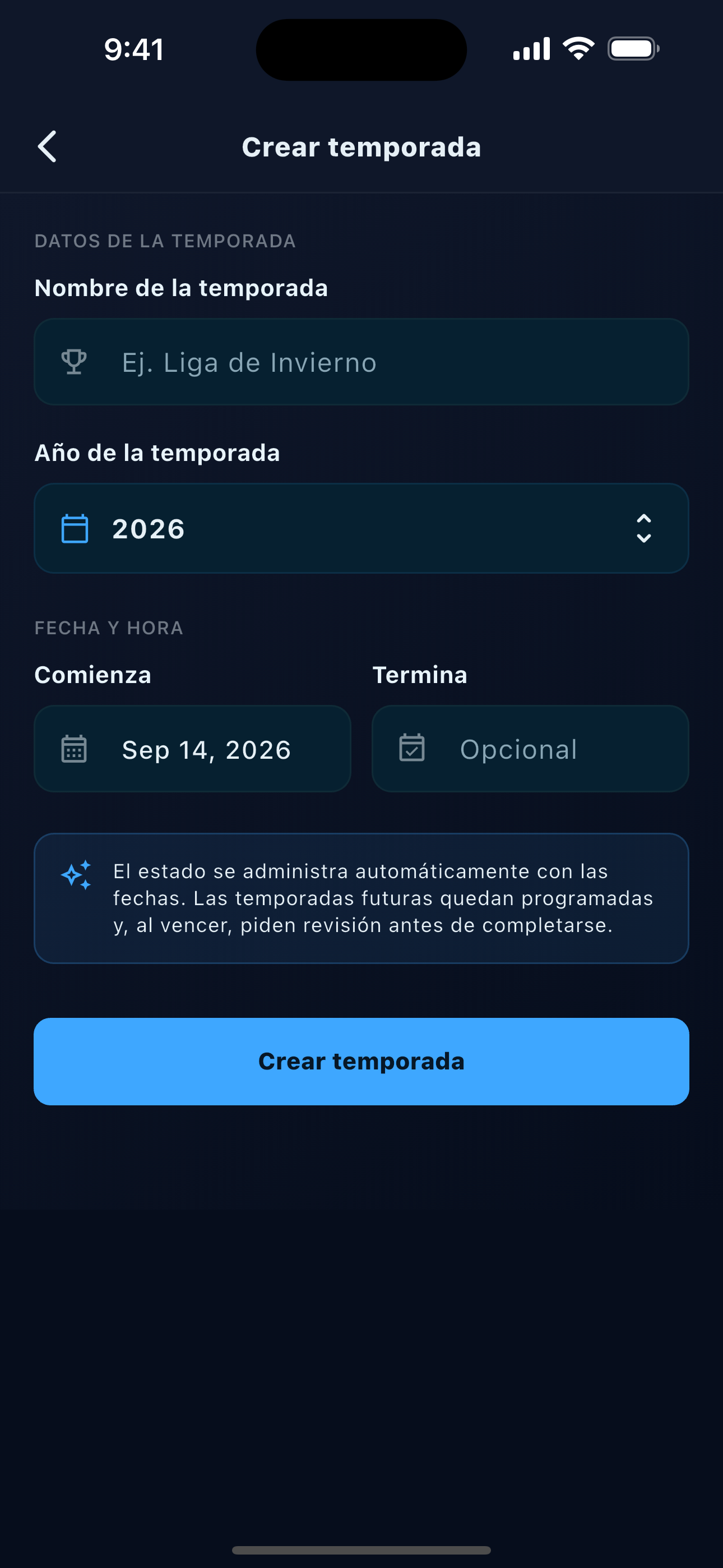
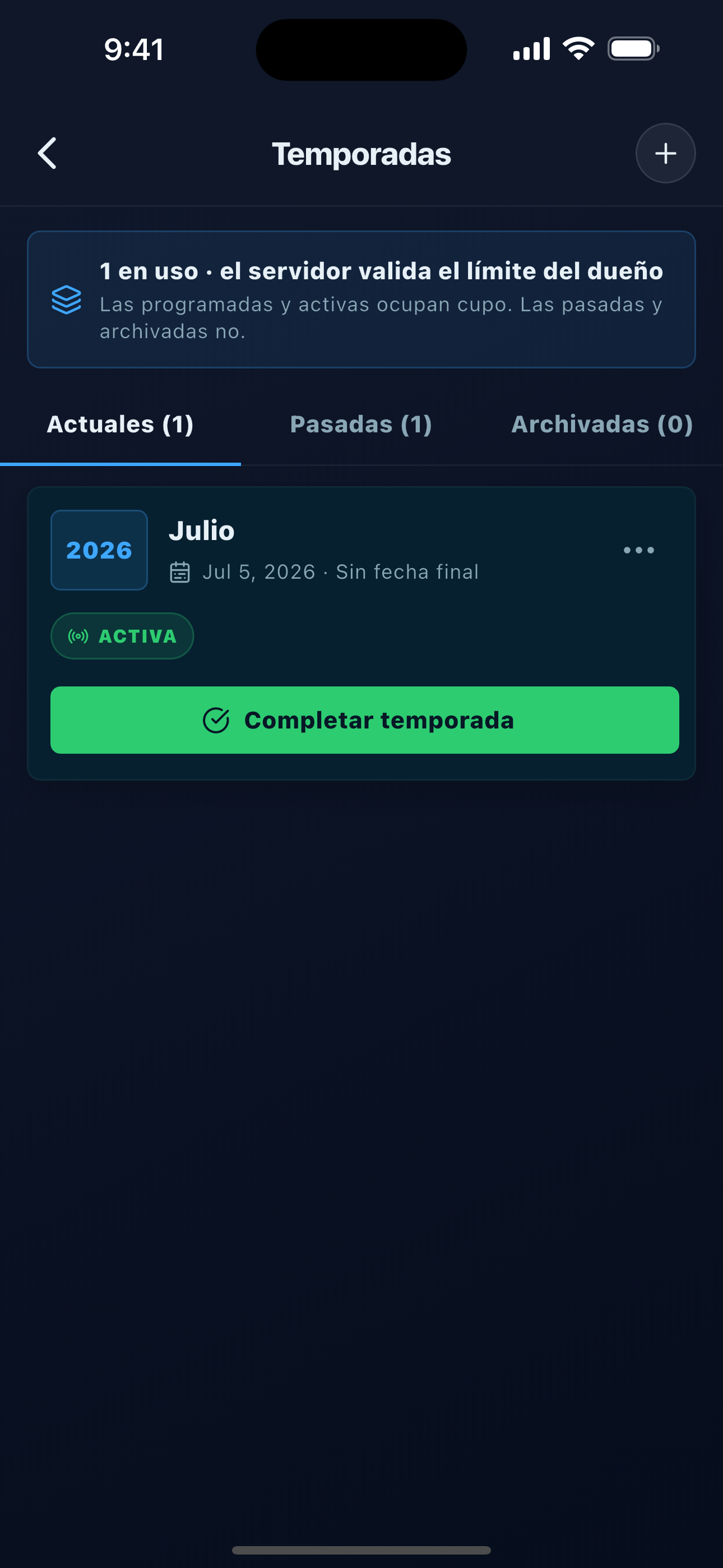
Separate games and numbers by season so the team story is easy to follow.
Schedule
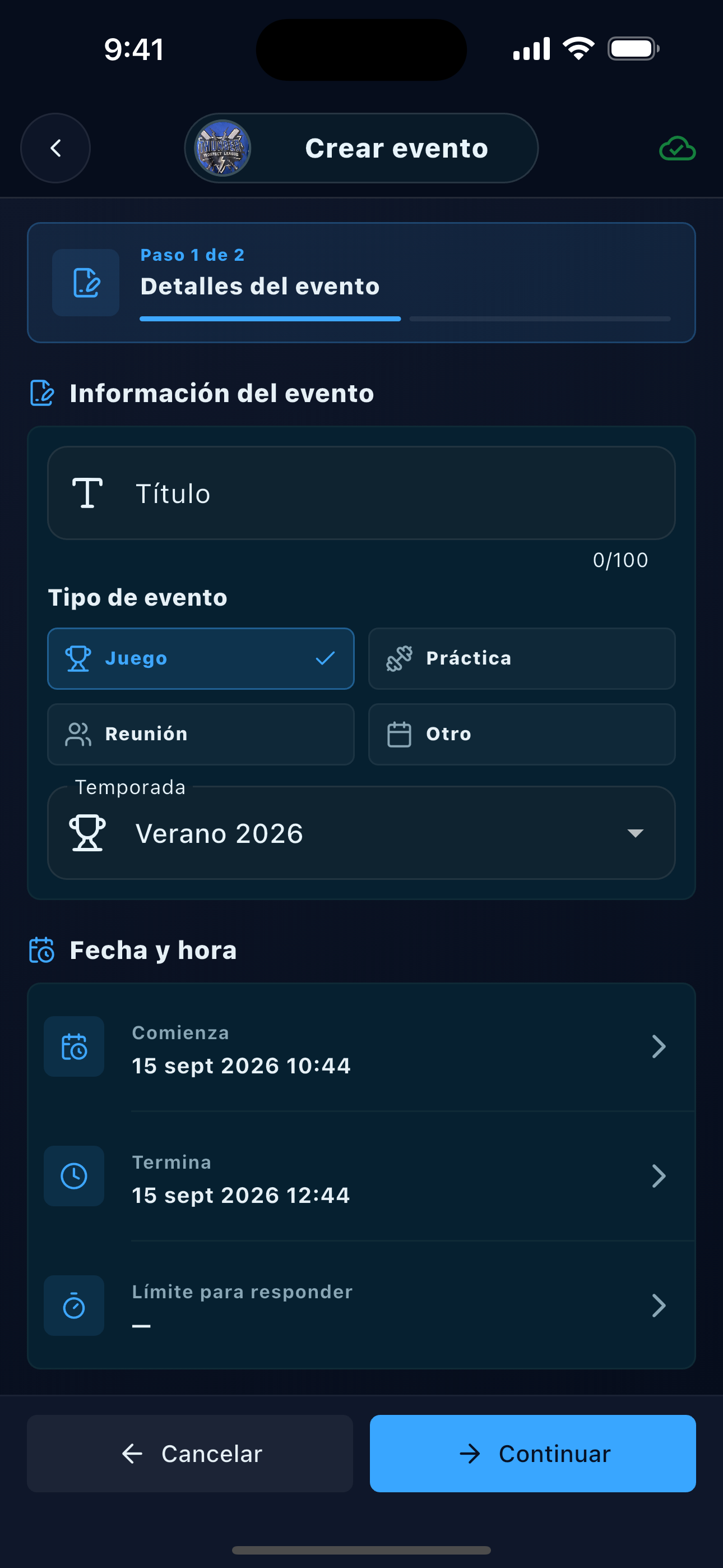
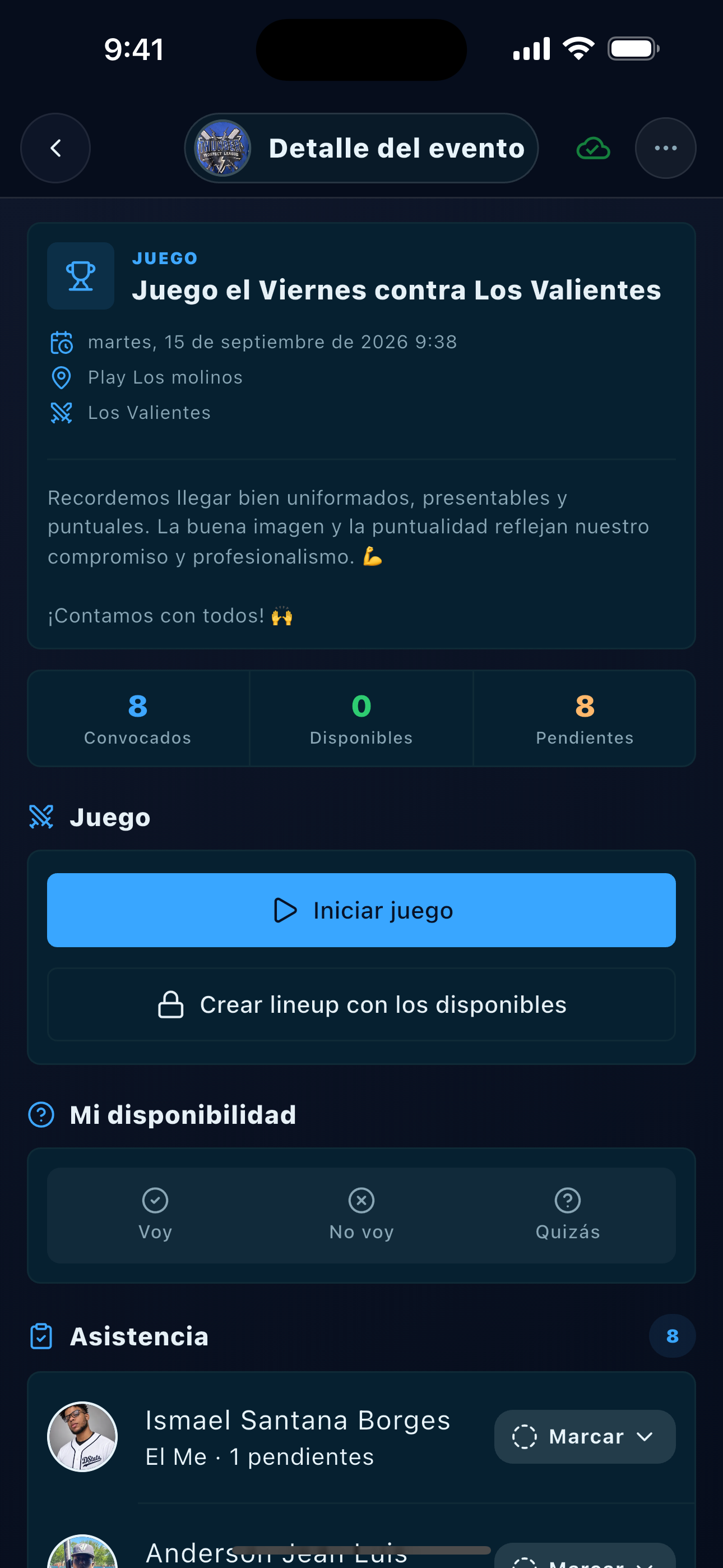
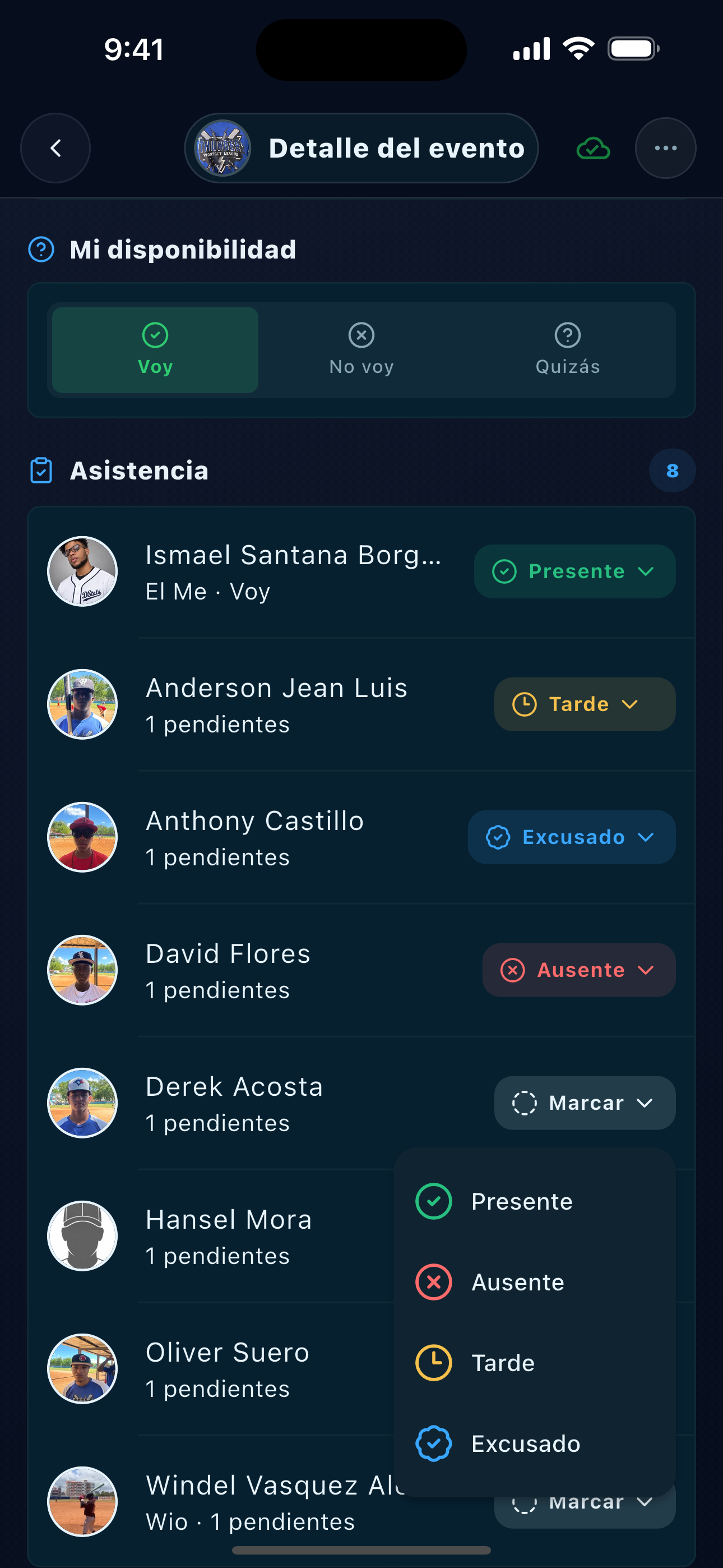
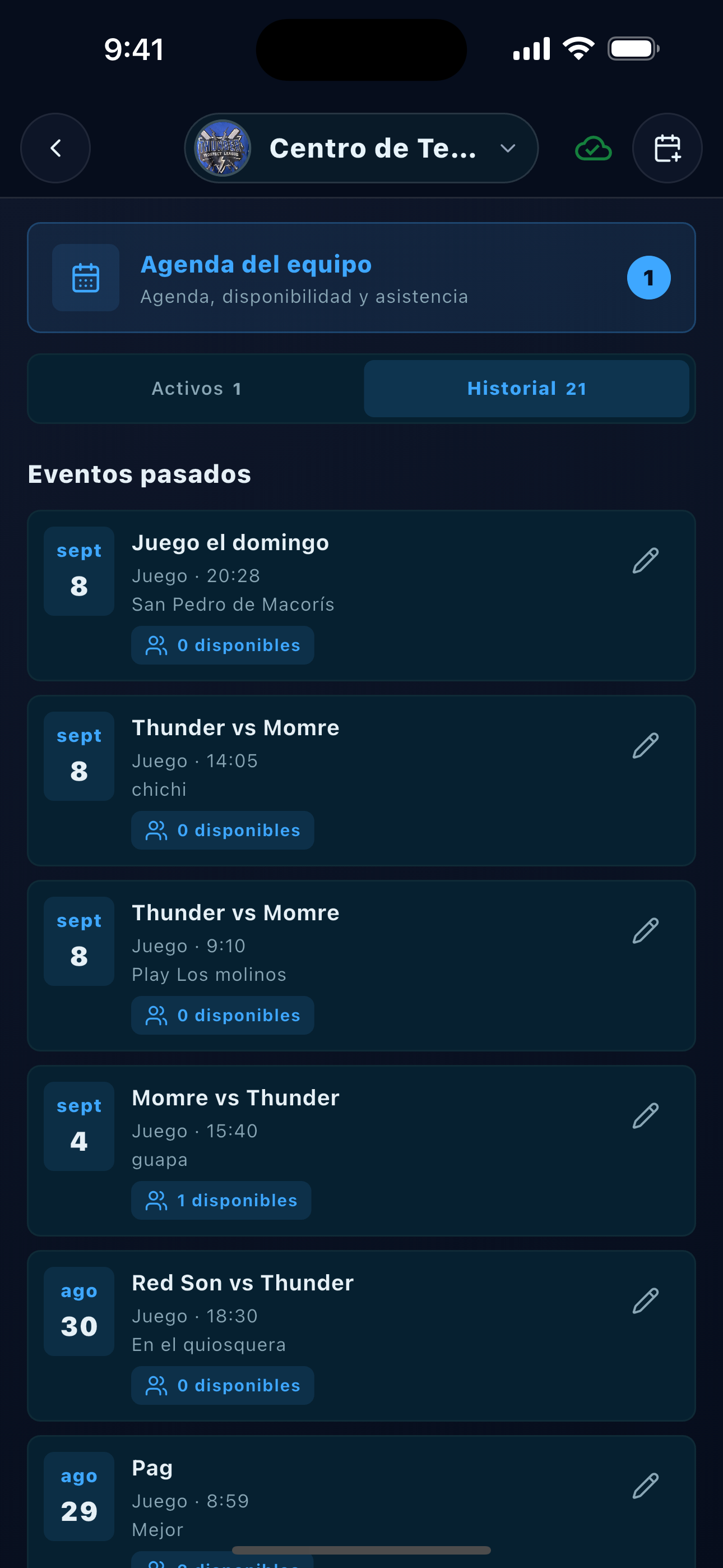
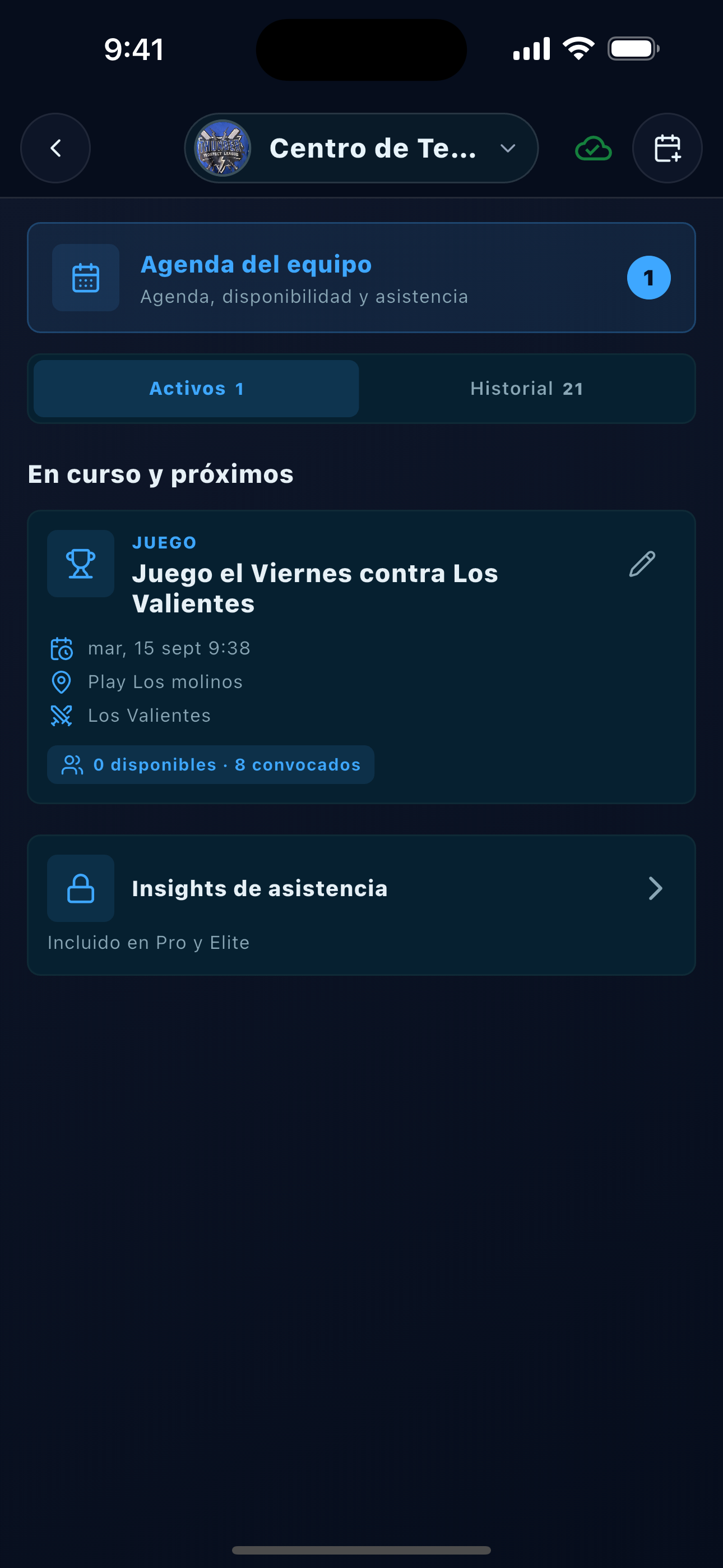
Schedule events, invite the roster, and check availability before game day.
Before the game
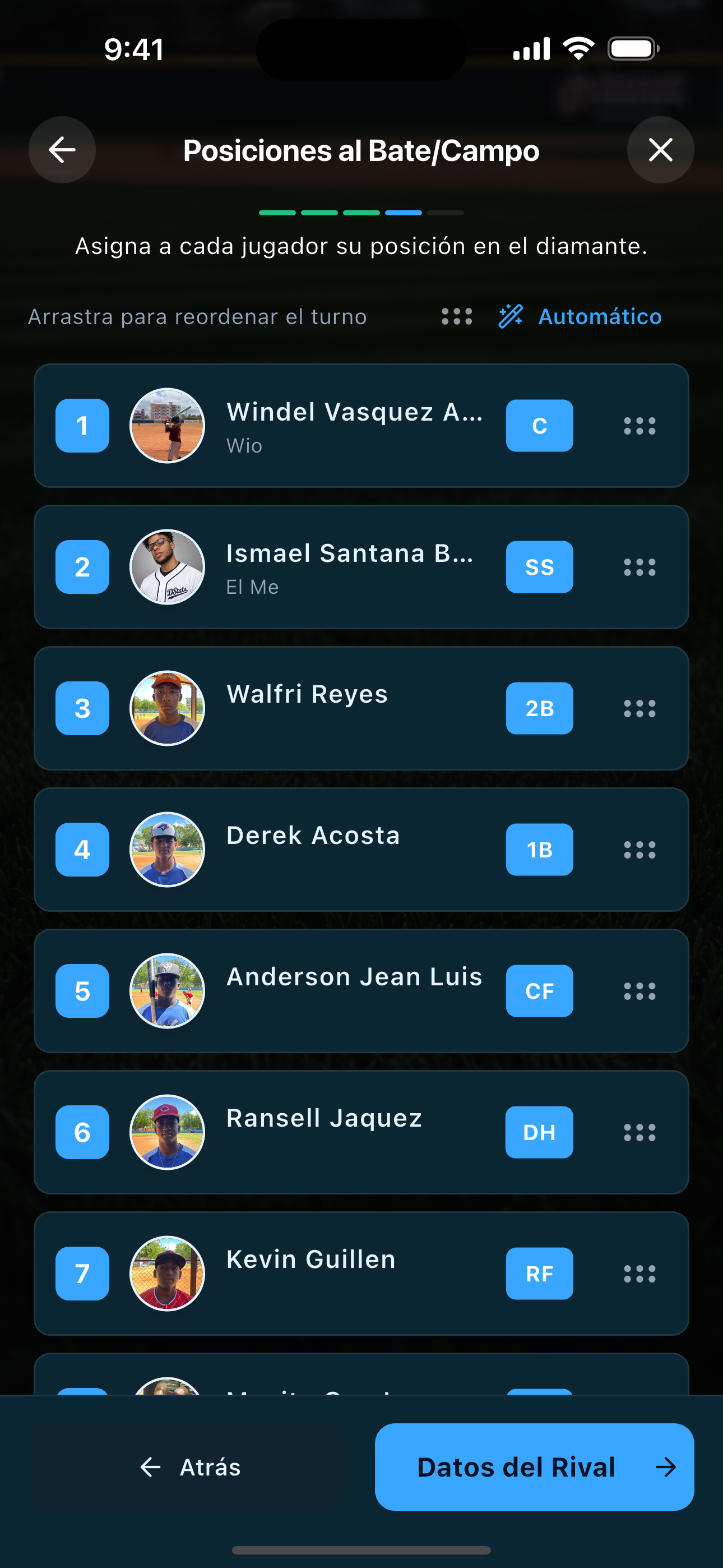
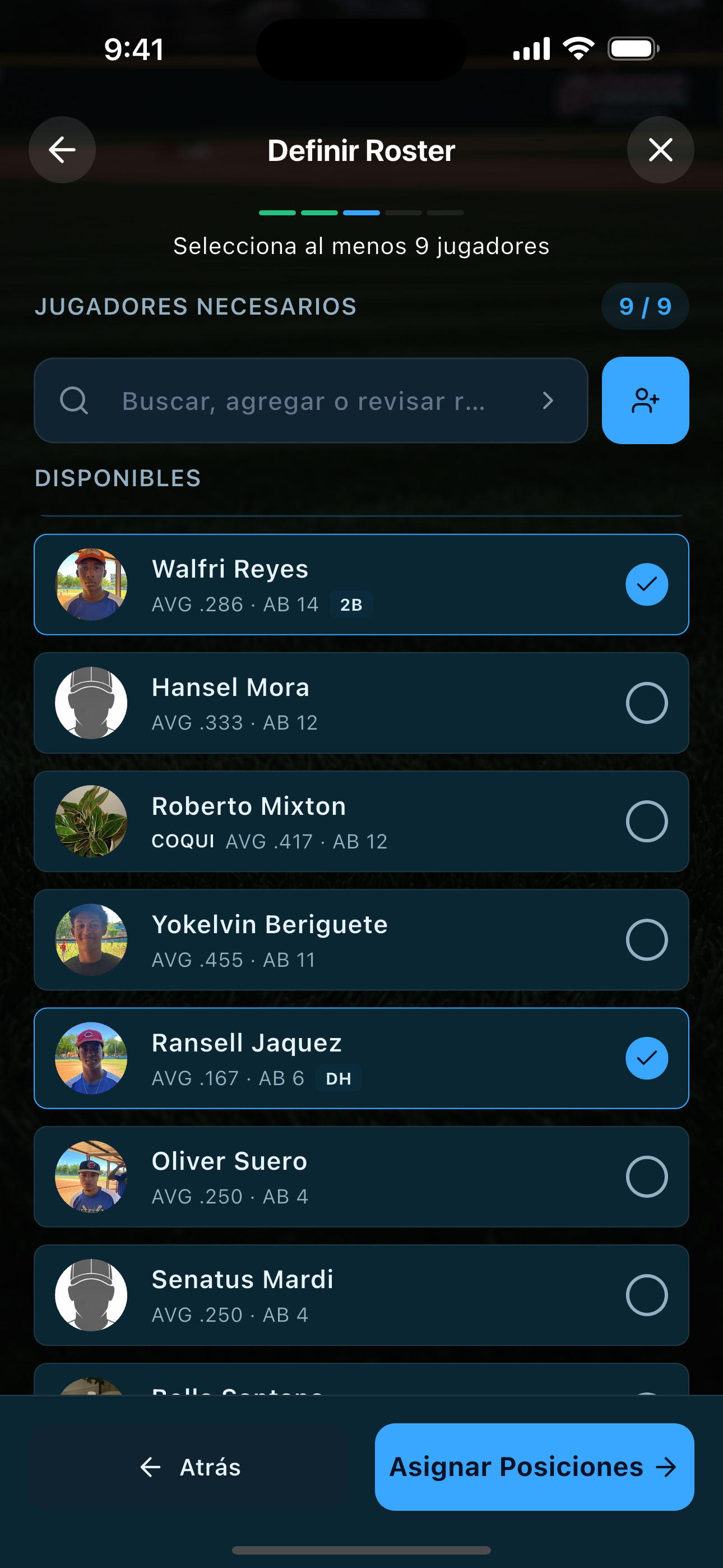
Choose the game roster, batting order, and defensive positions before first pitch.
Scoring
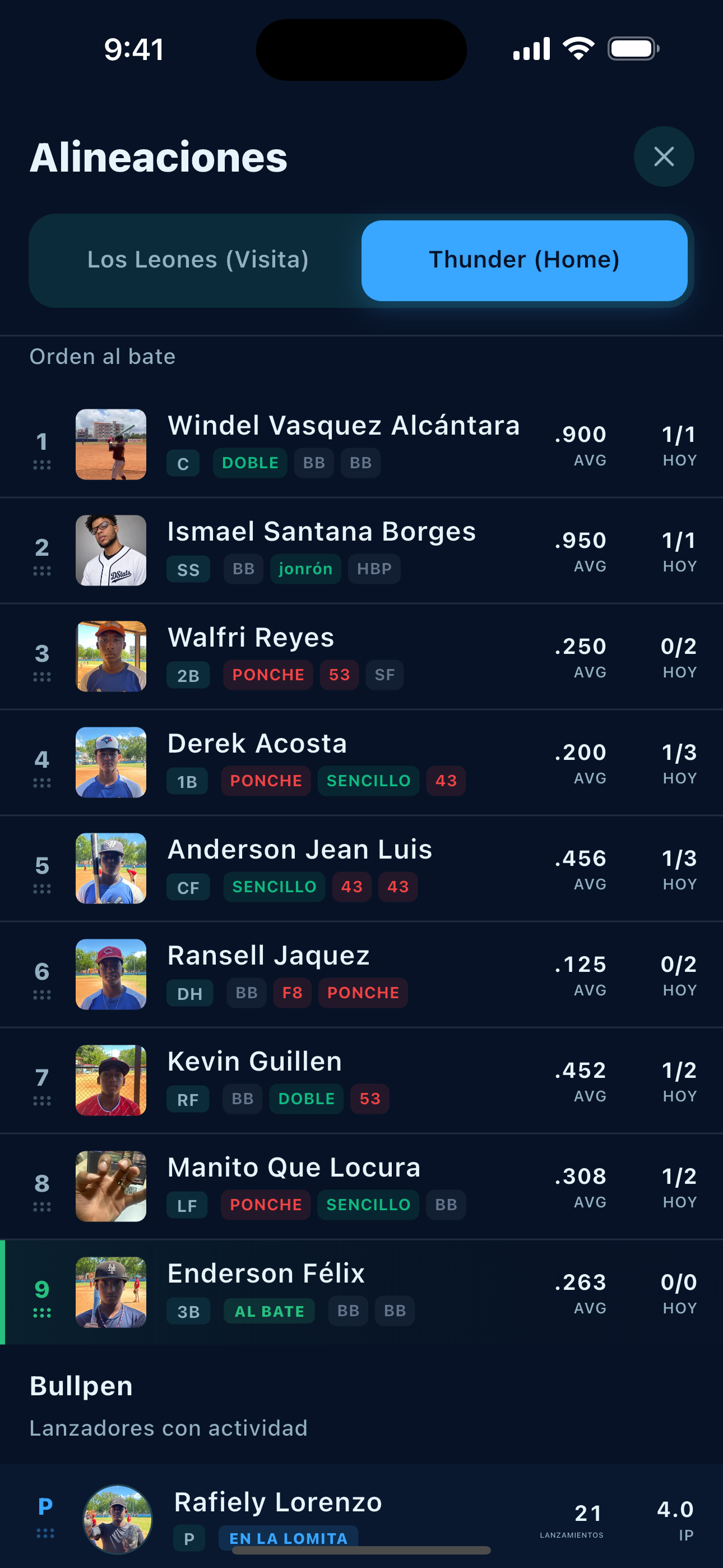
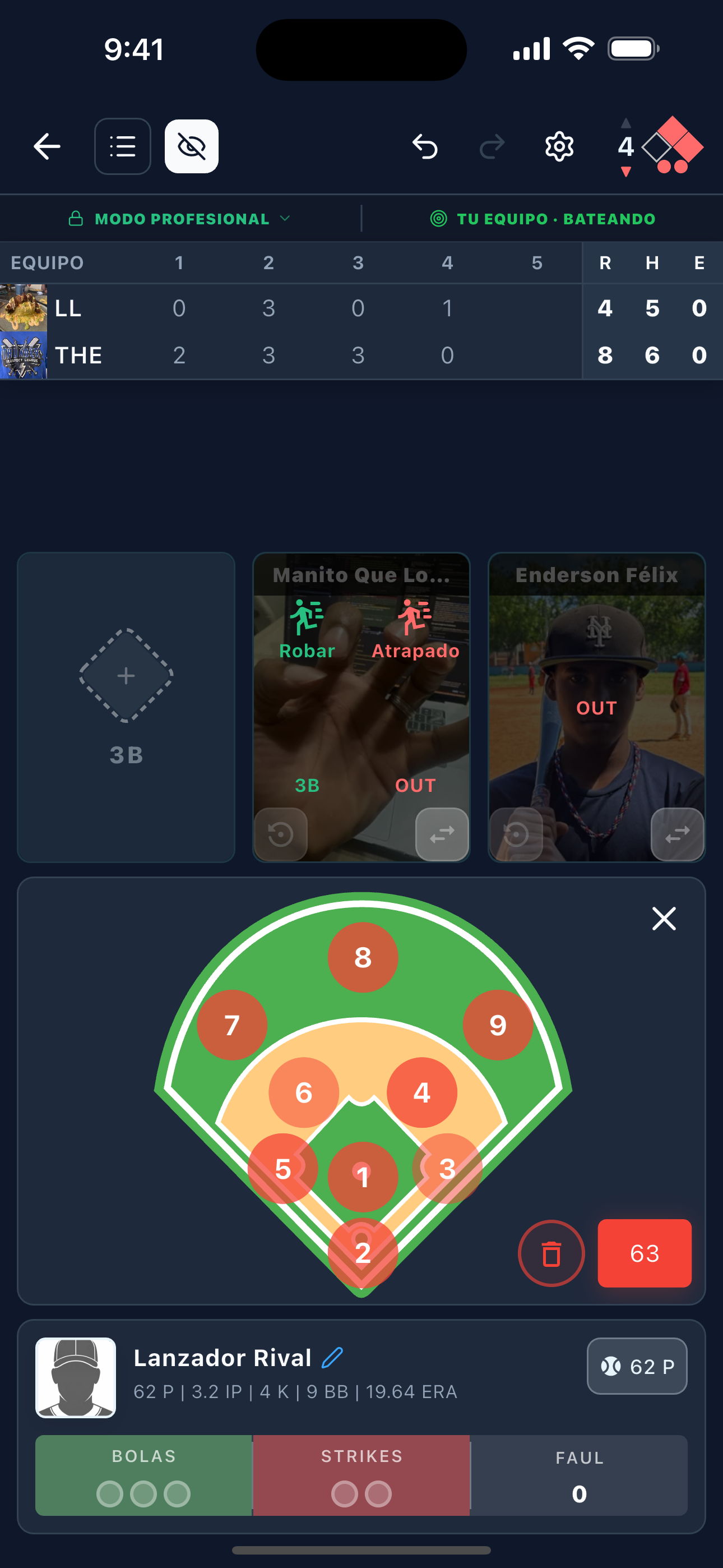
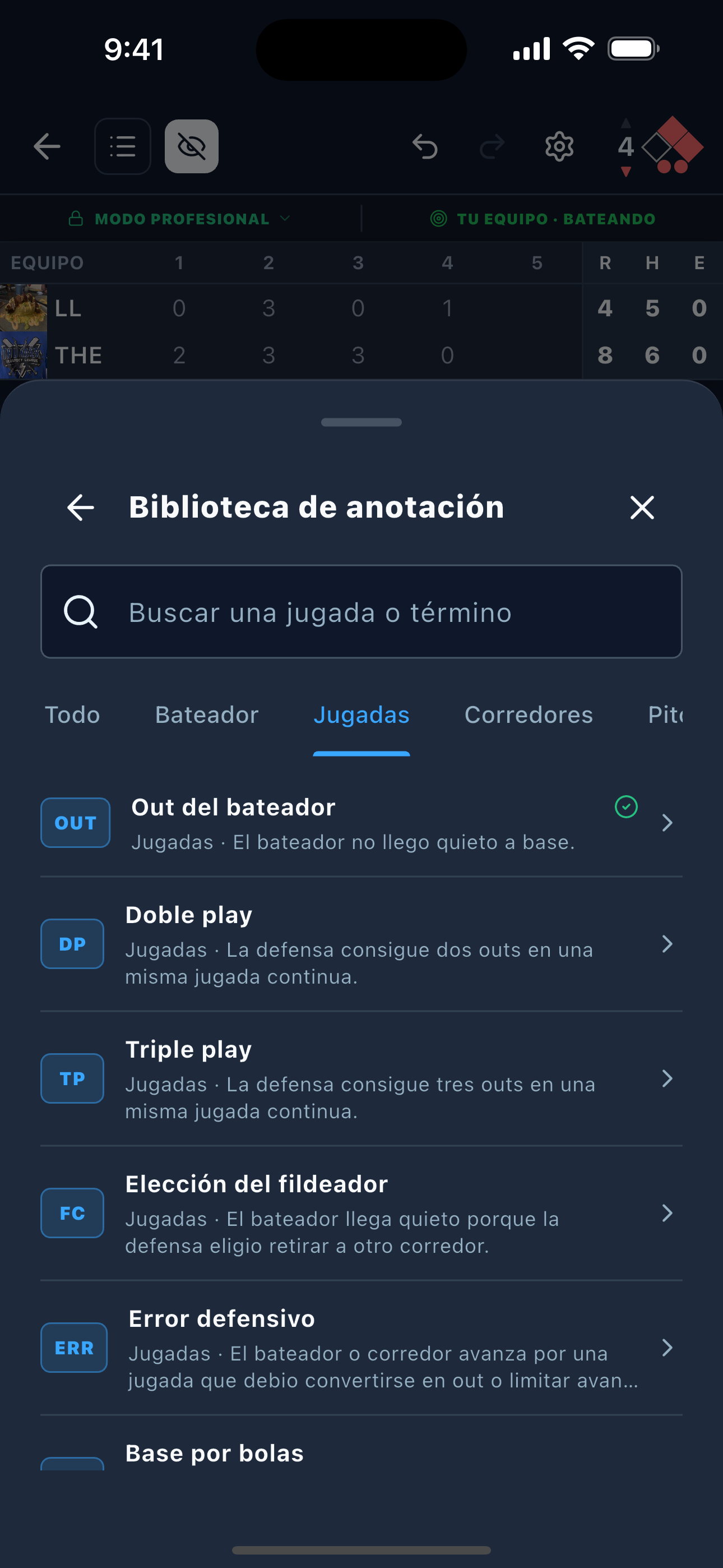
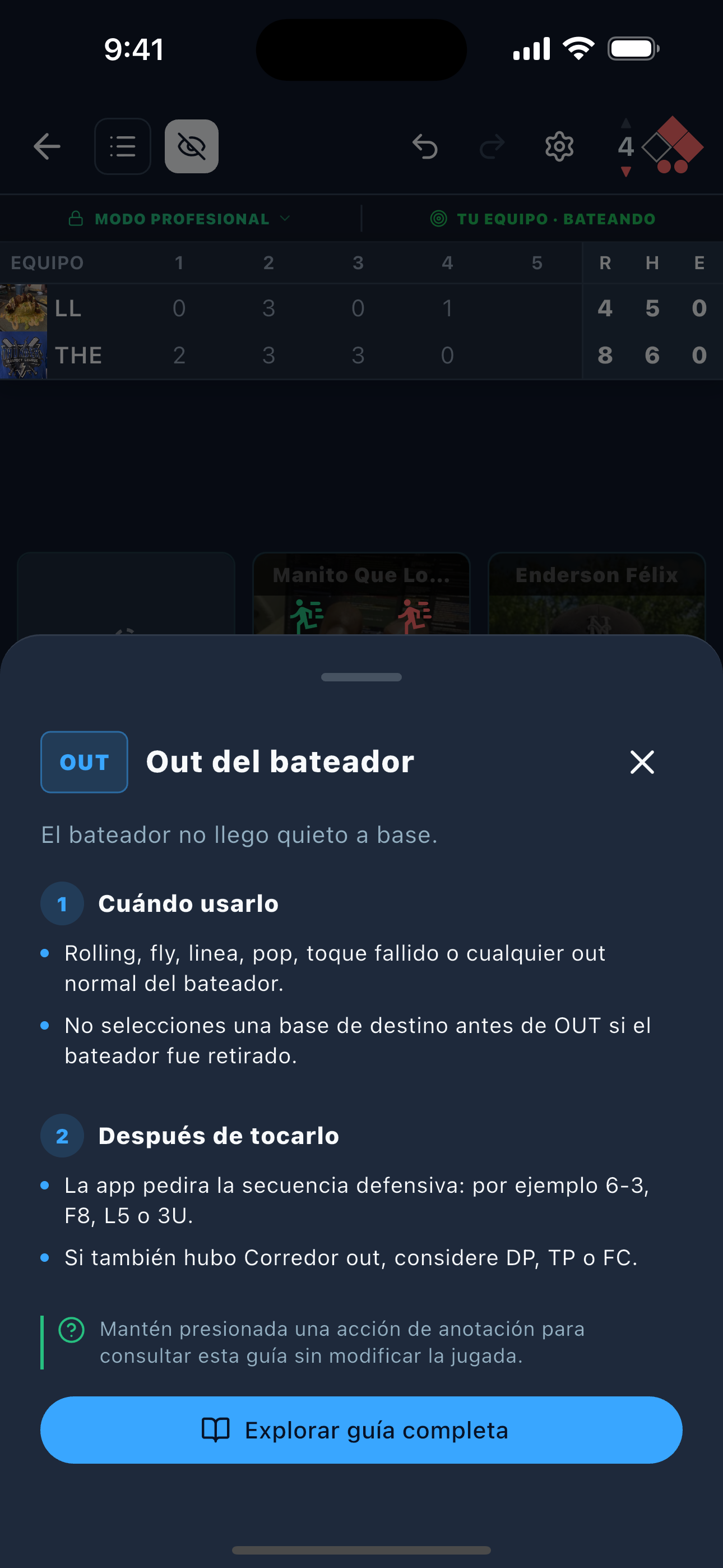
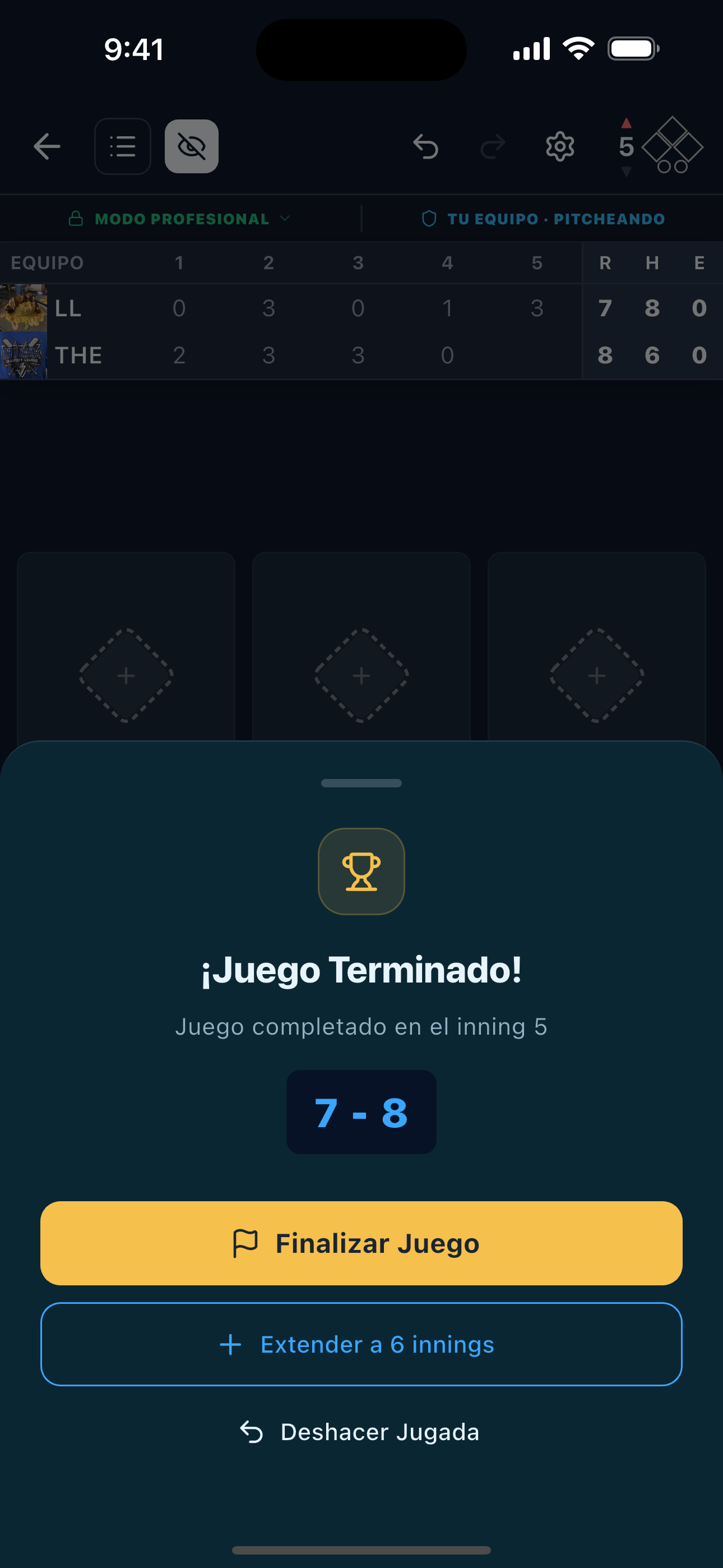
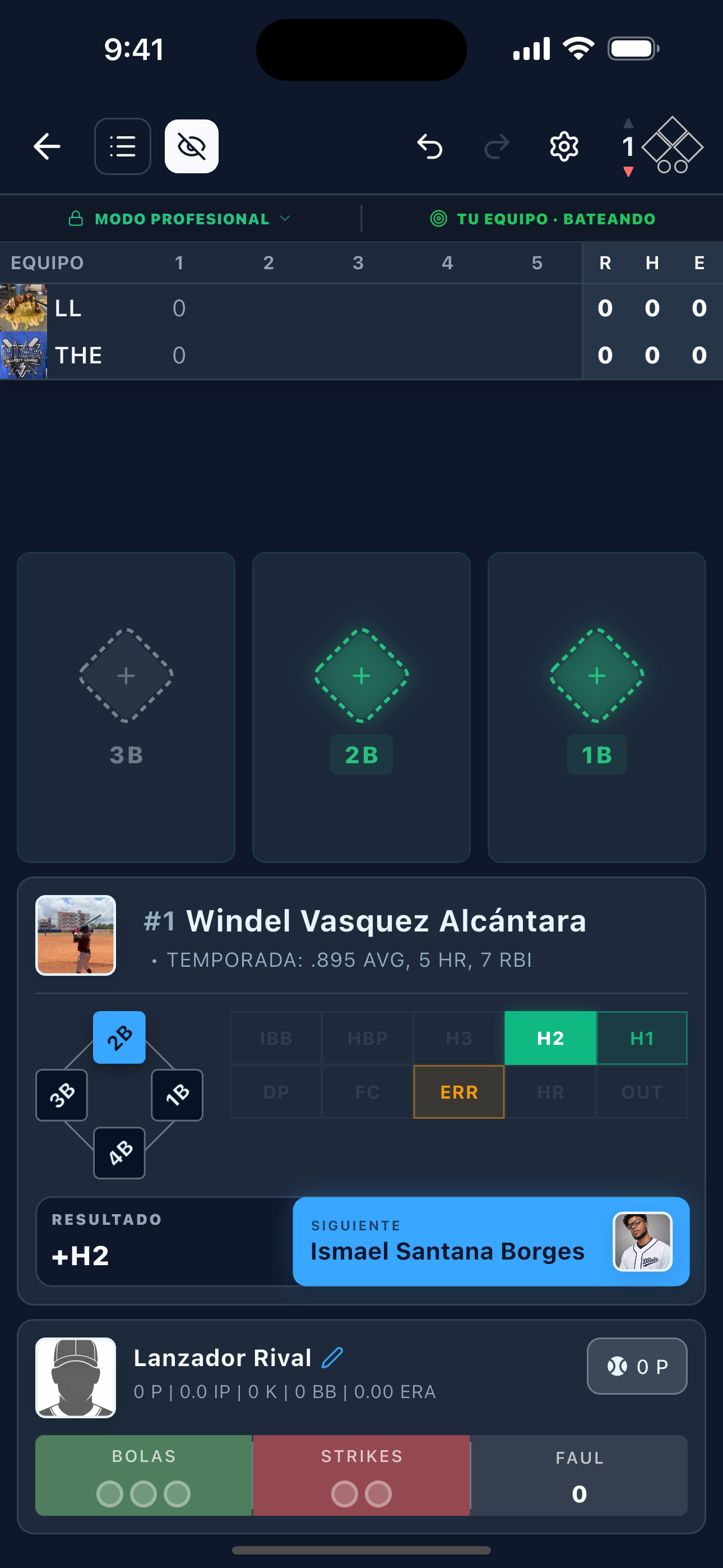
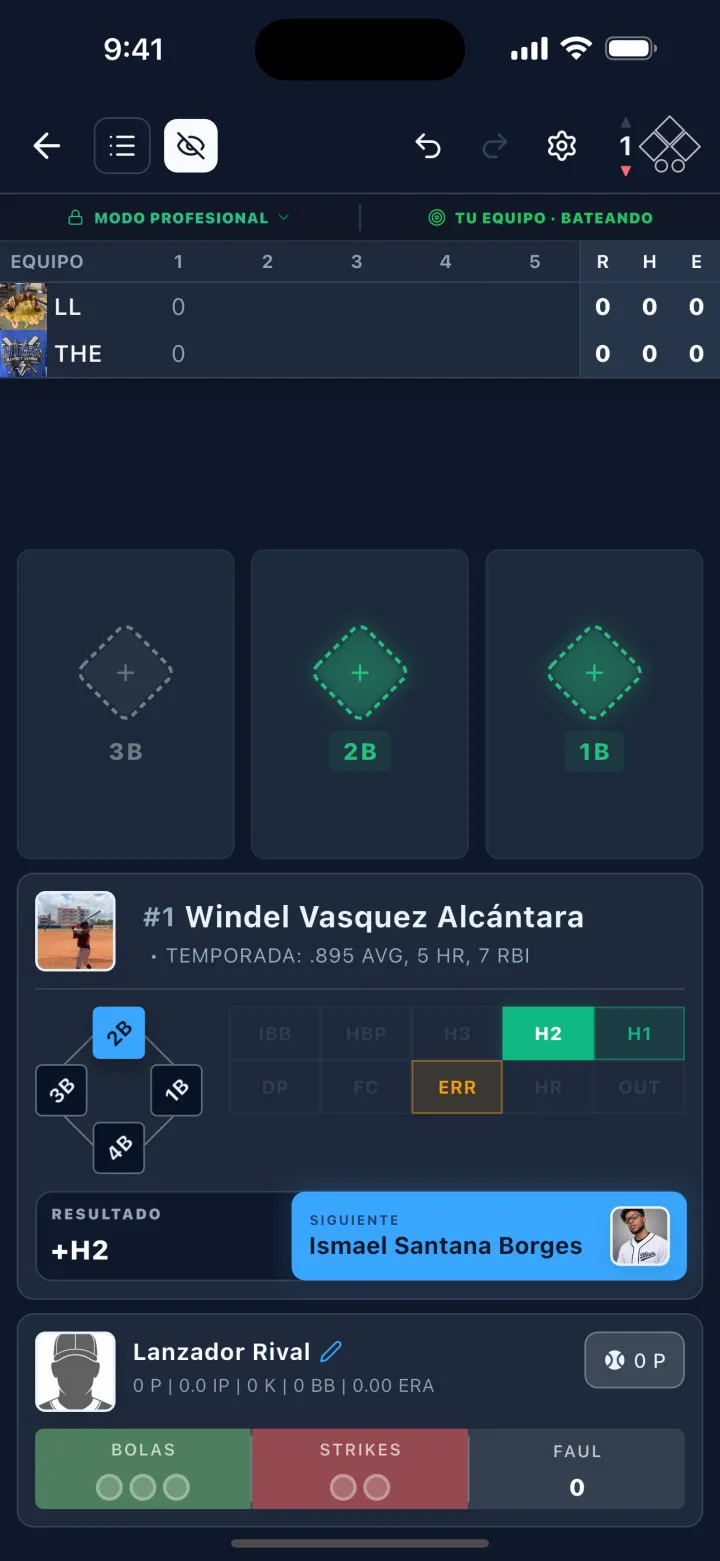
Follow the score, outs, bases, batter, and pitcher while recording the action.
Results
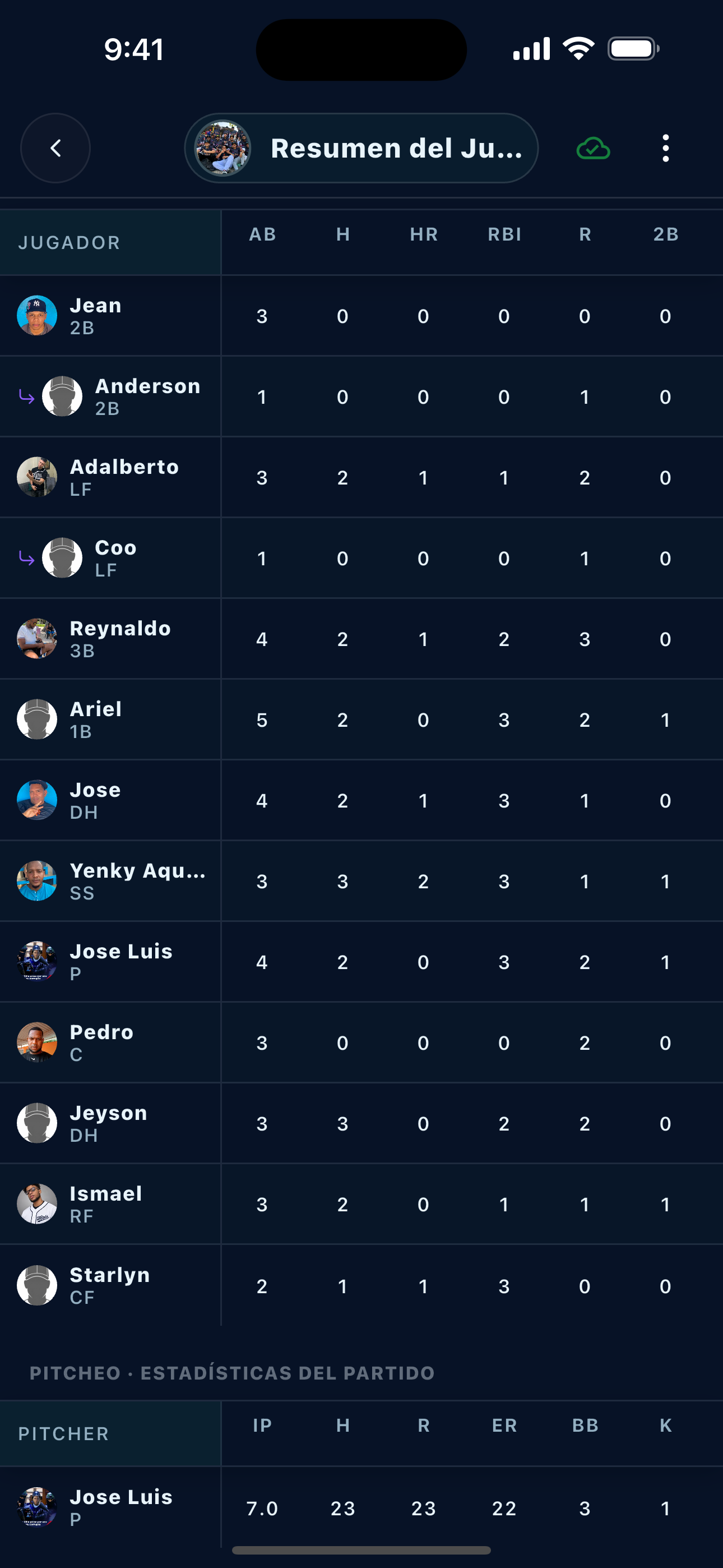
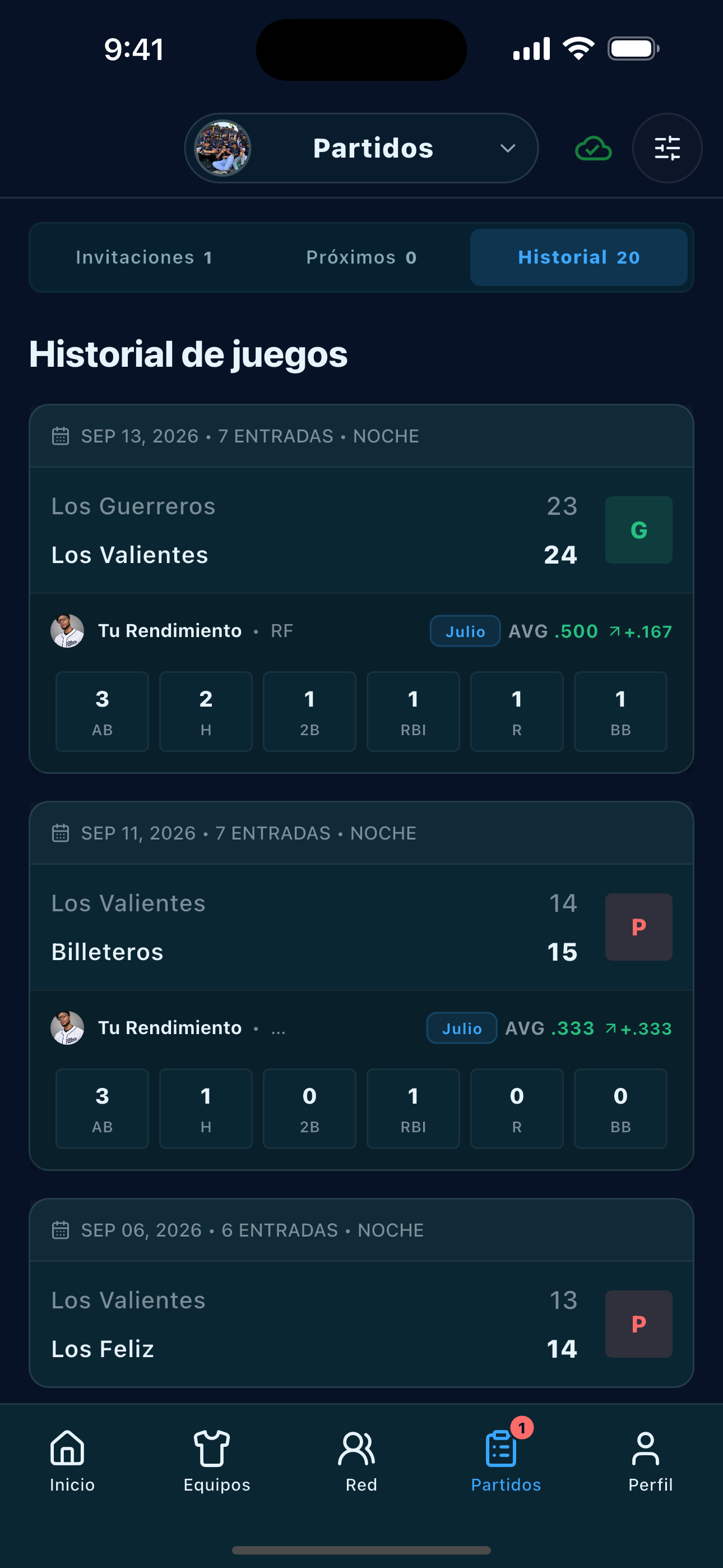
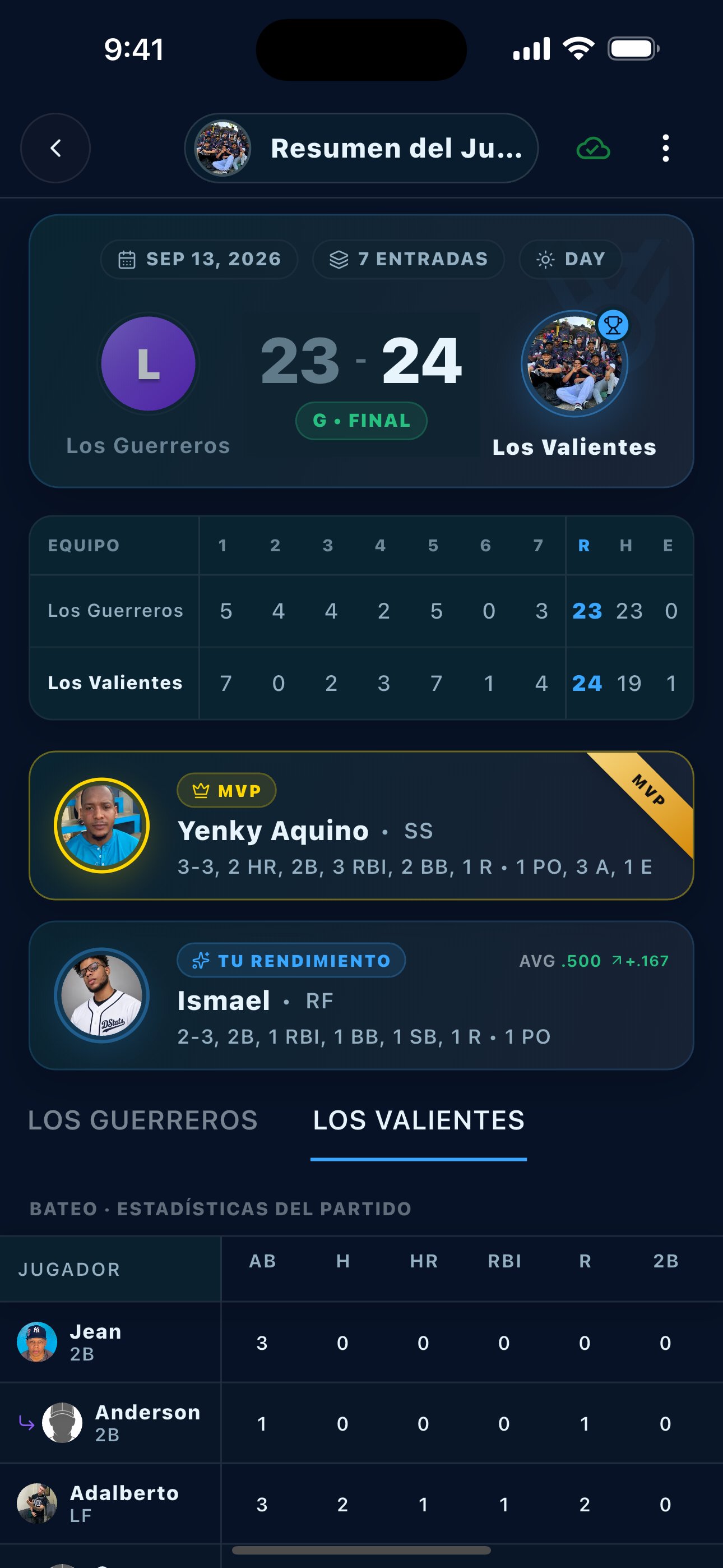
Open the final score, inning-by-inning result, and box score for every game.
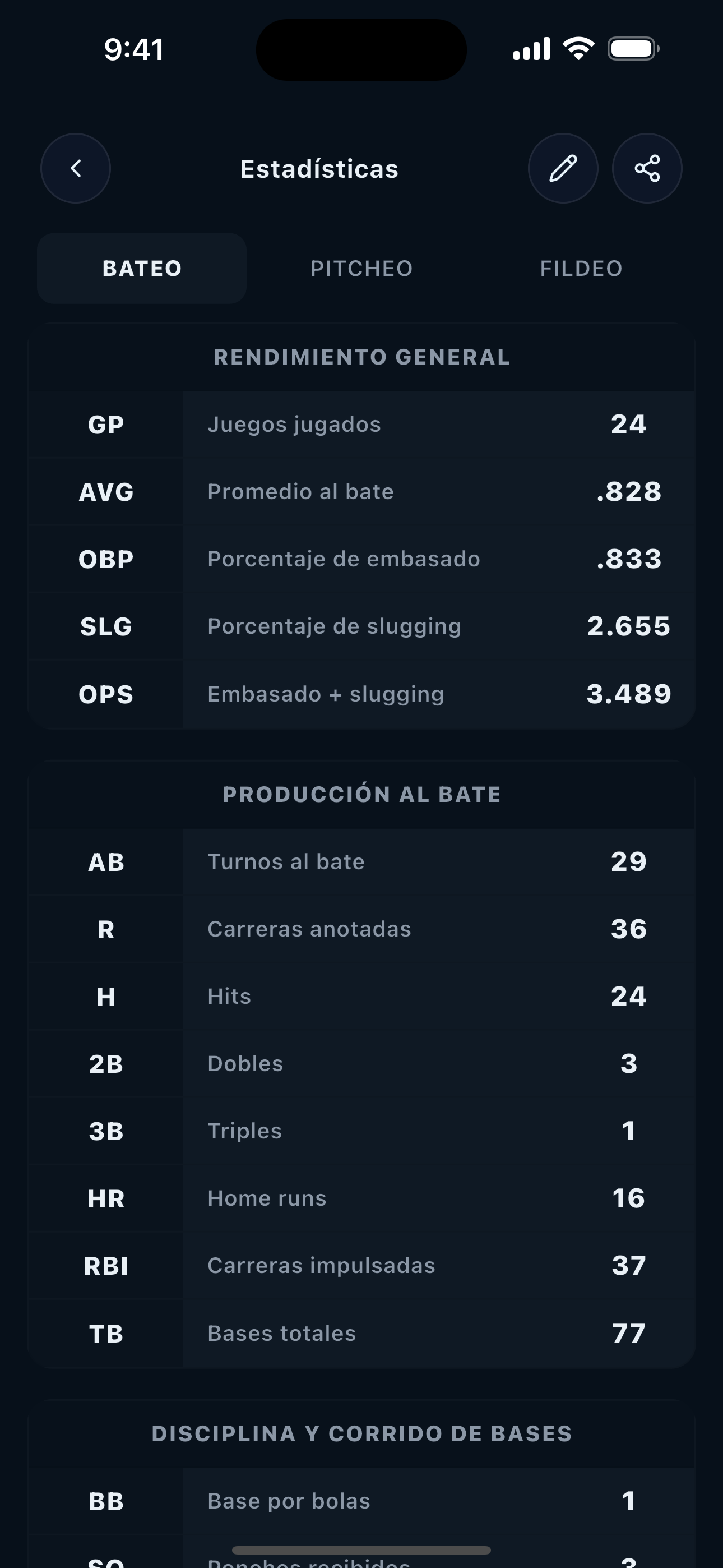
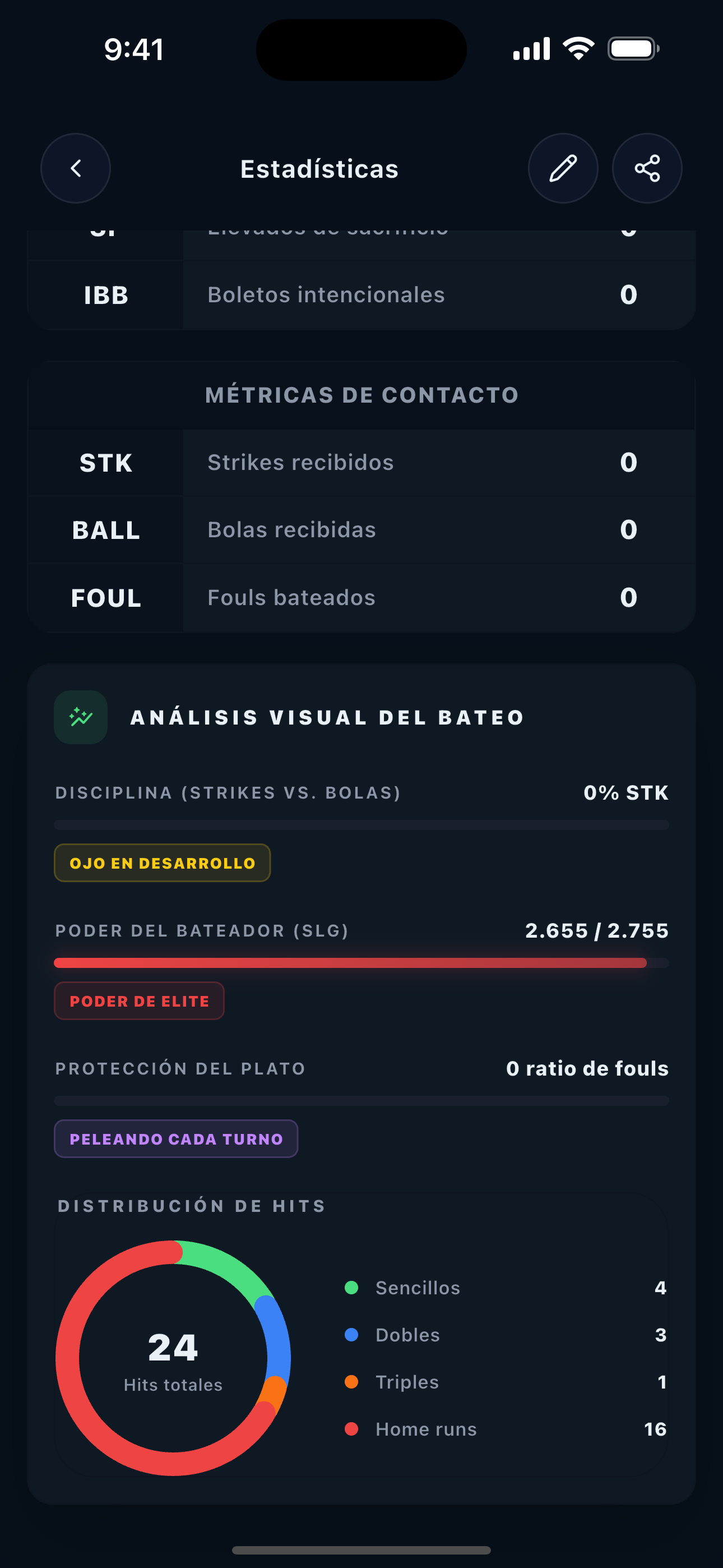
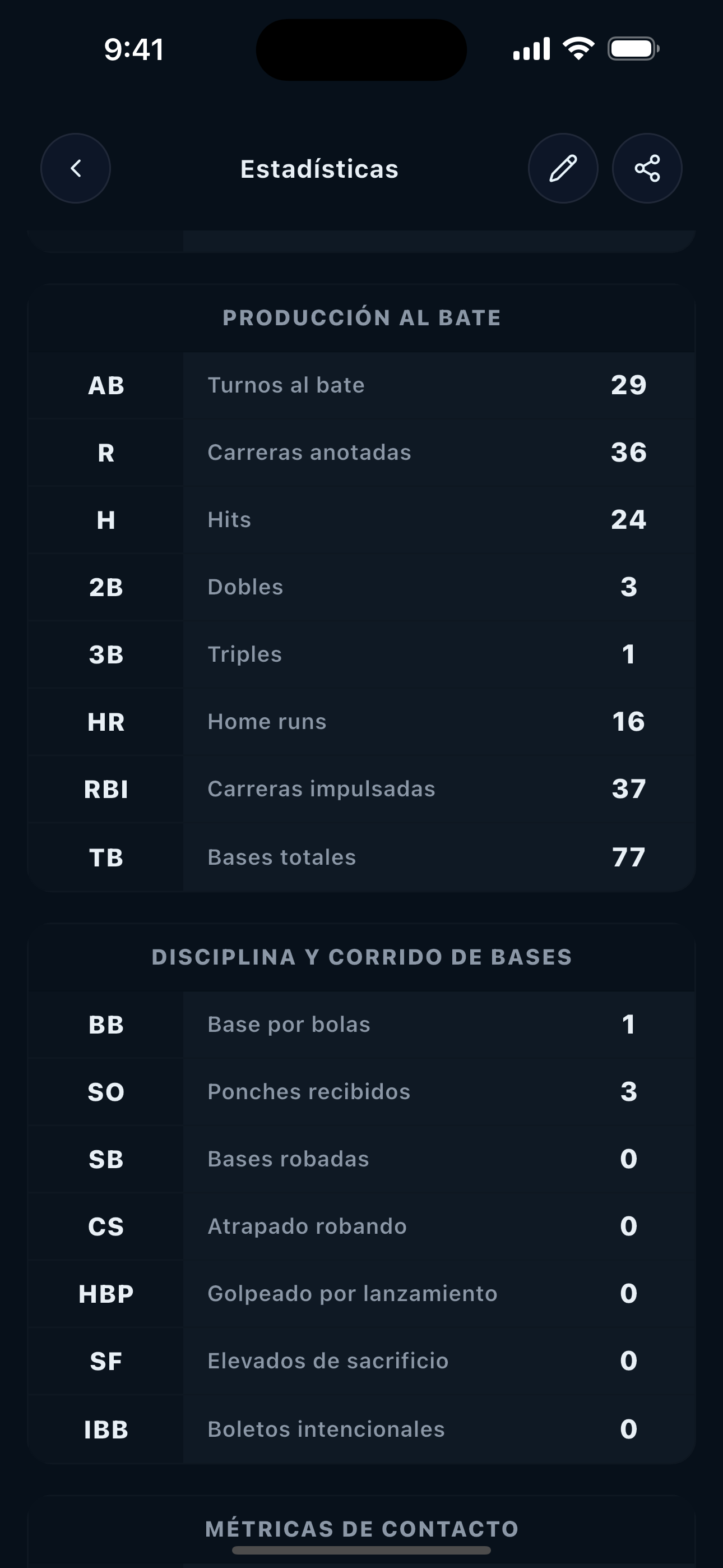
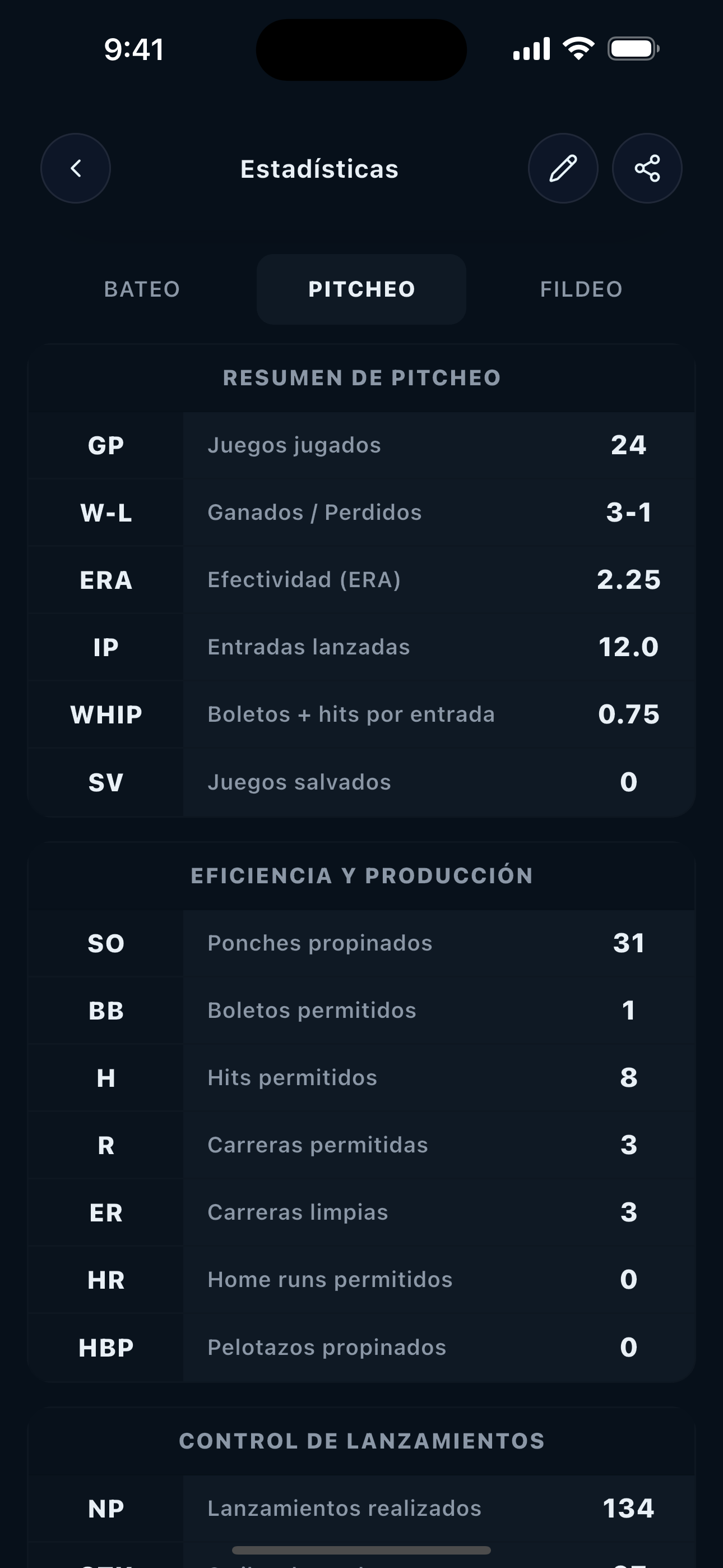
Statistics
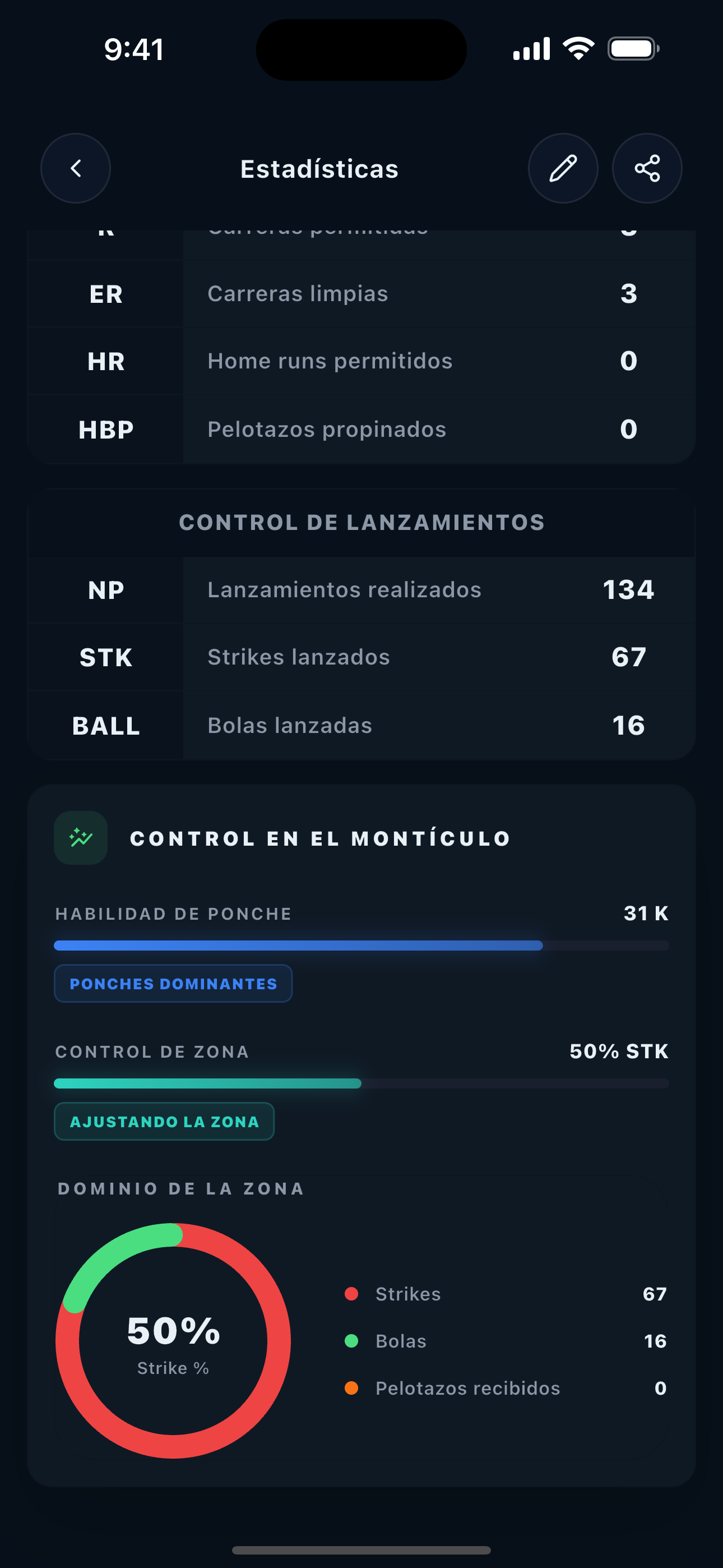
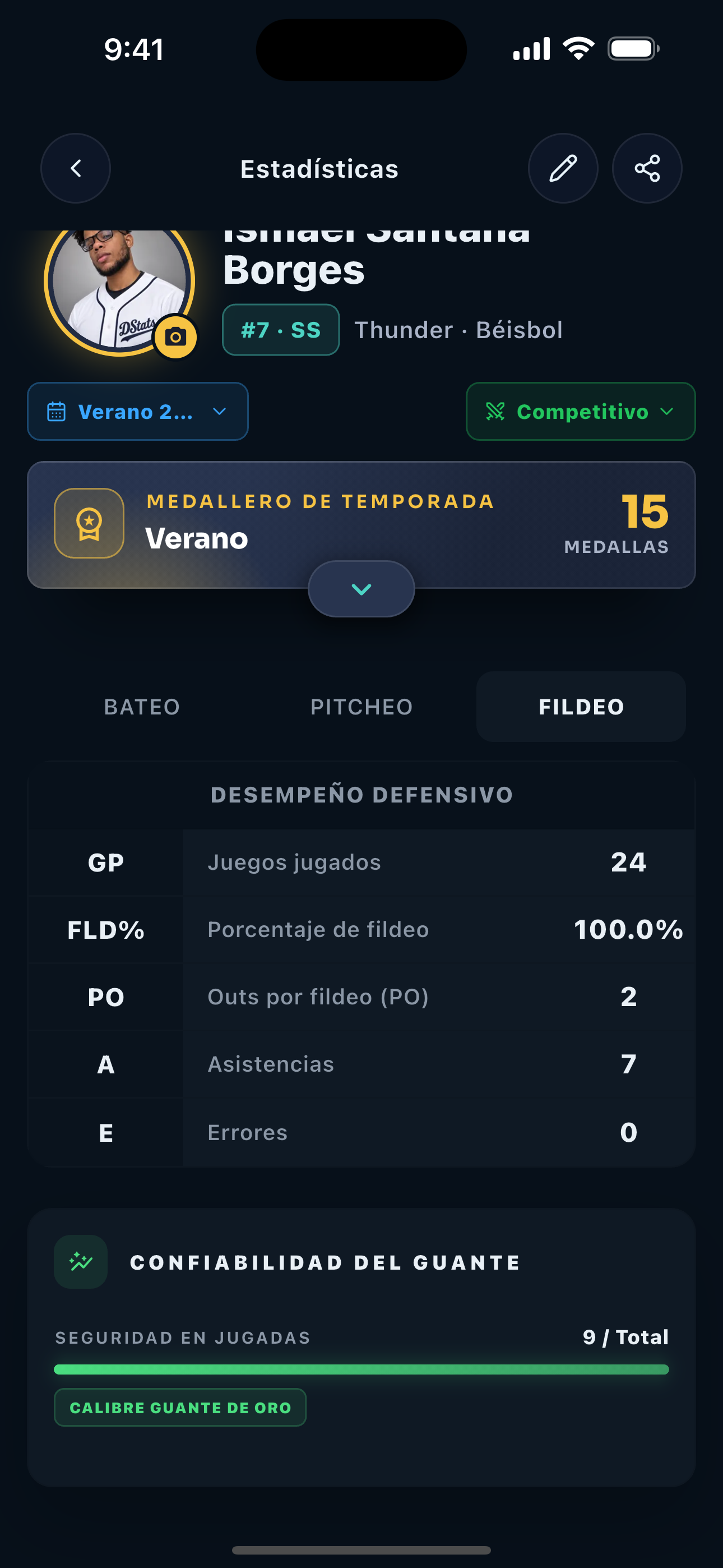
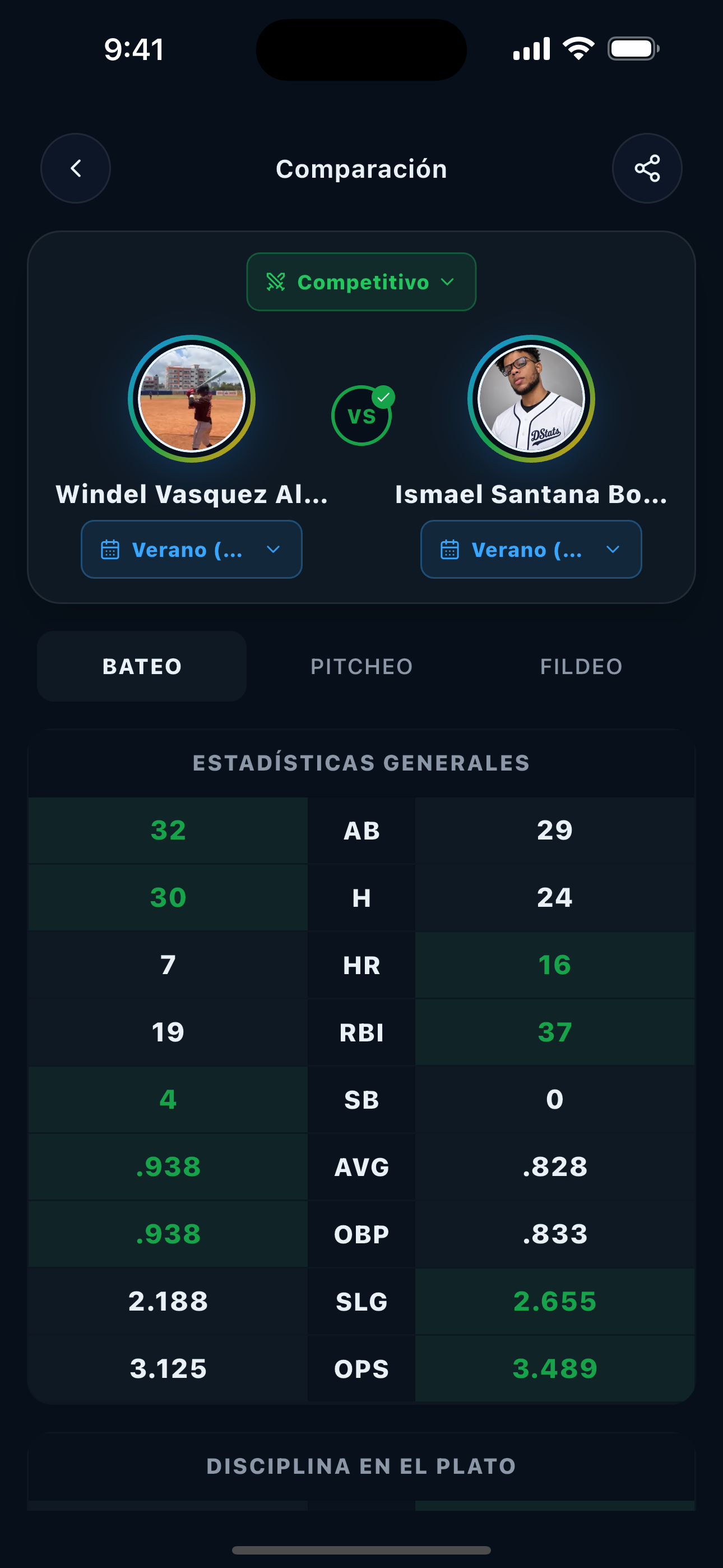
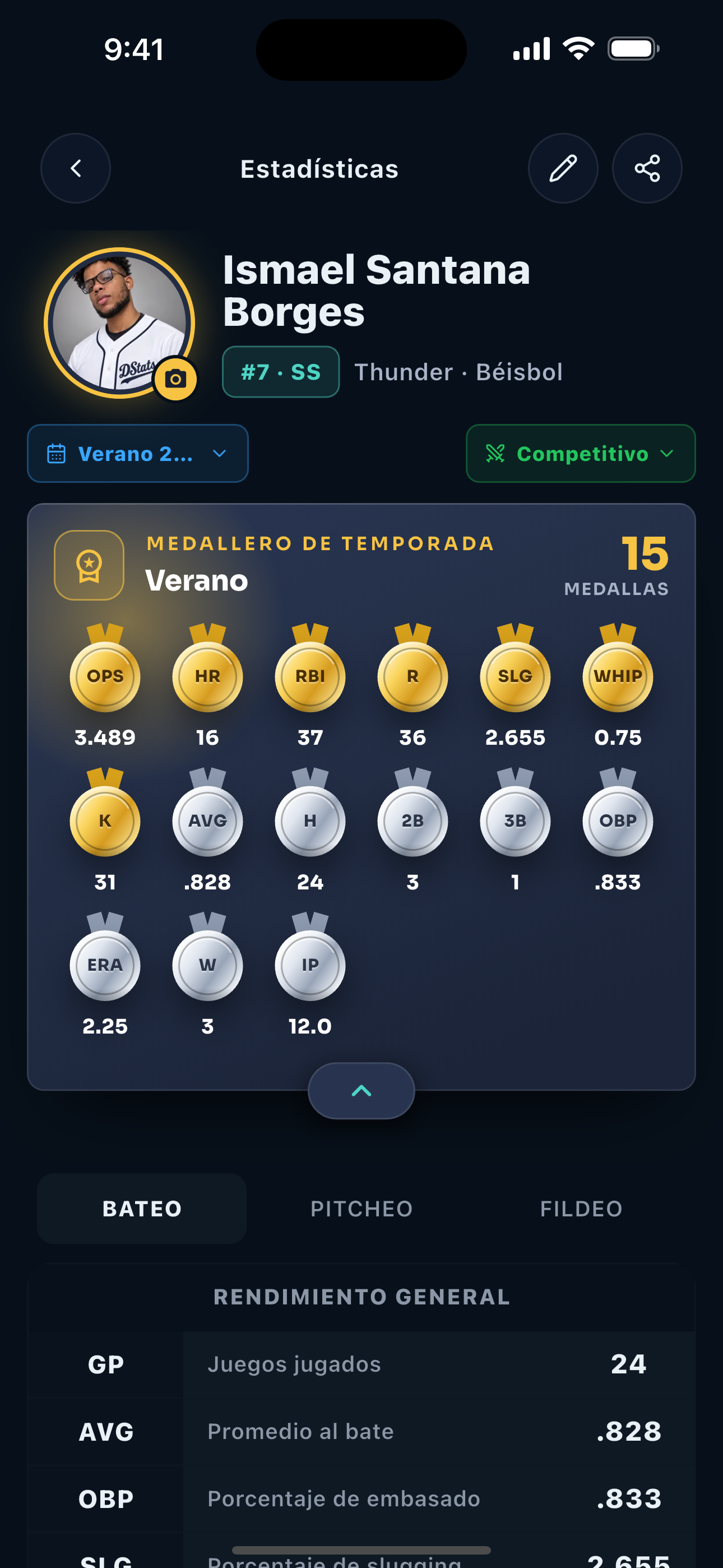
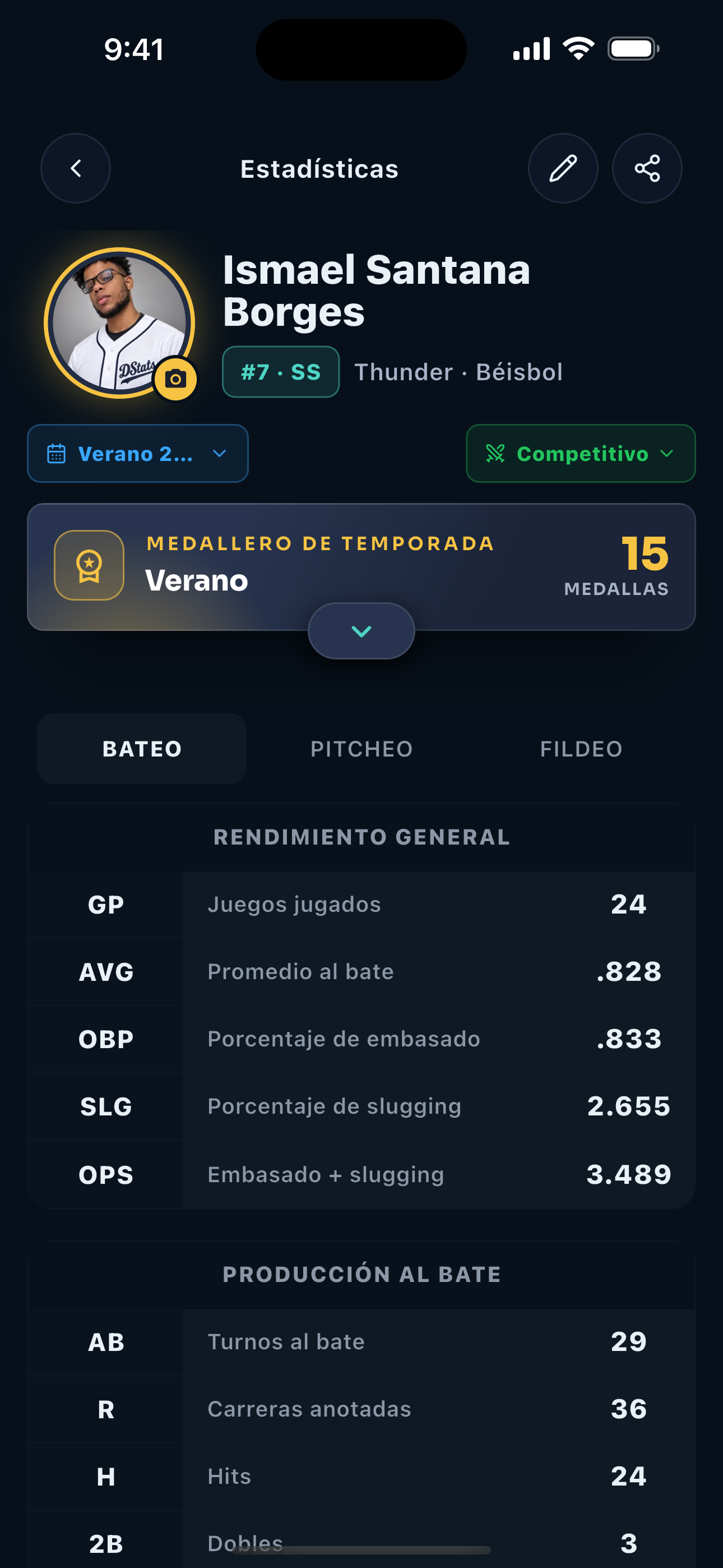
Explore batting, pitching, fielding, comparisons, and honors with the right filters.
Community
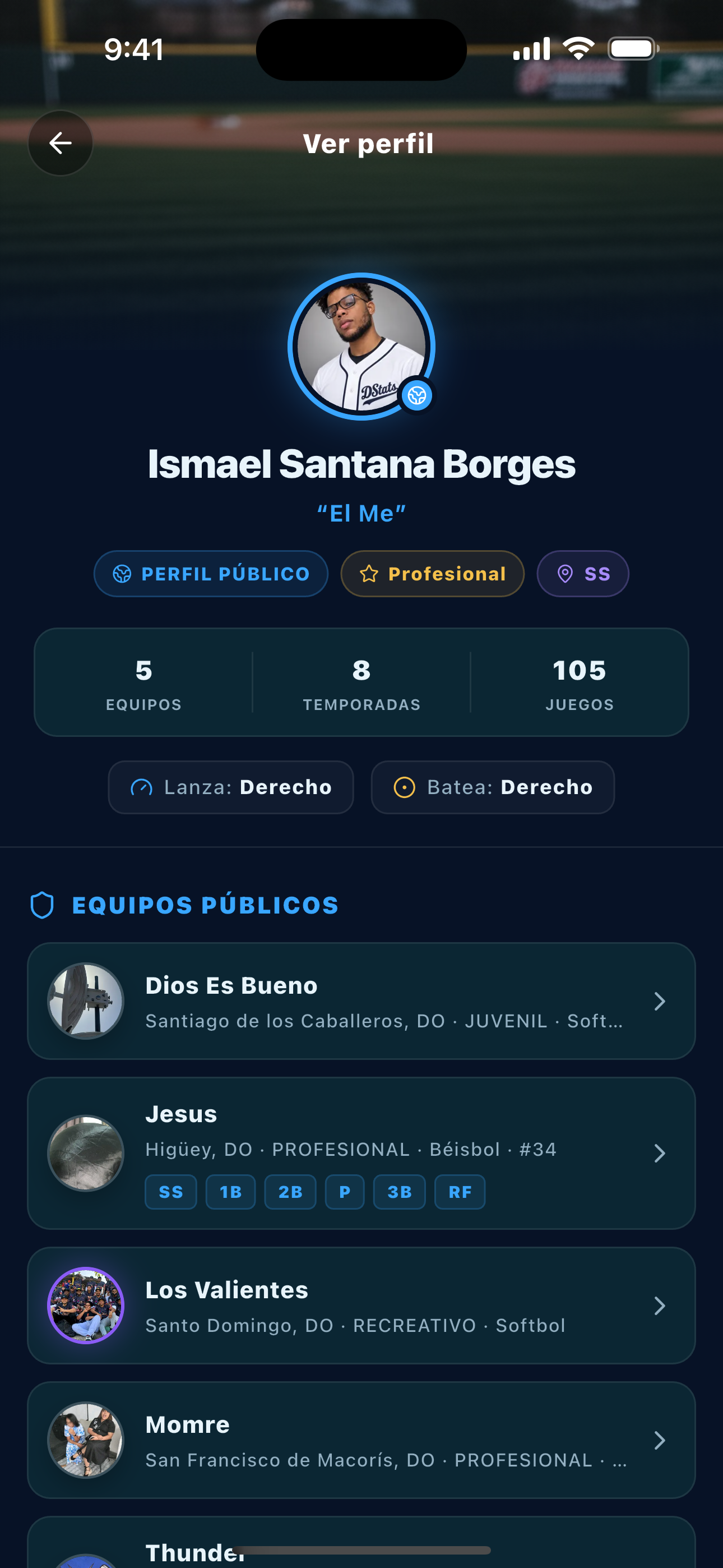
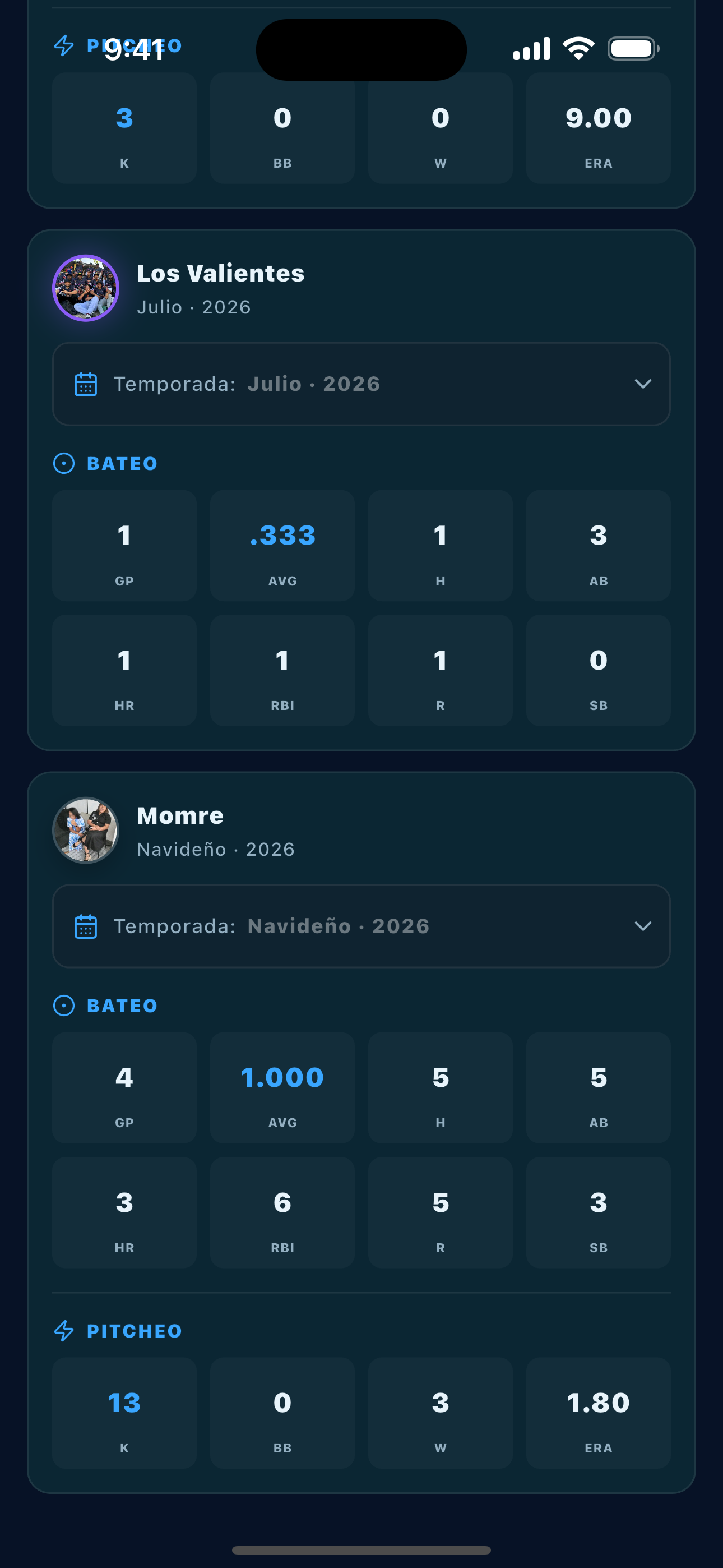
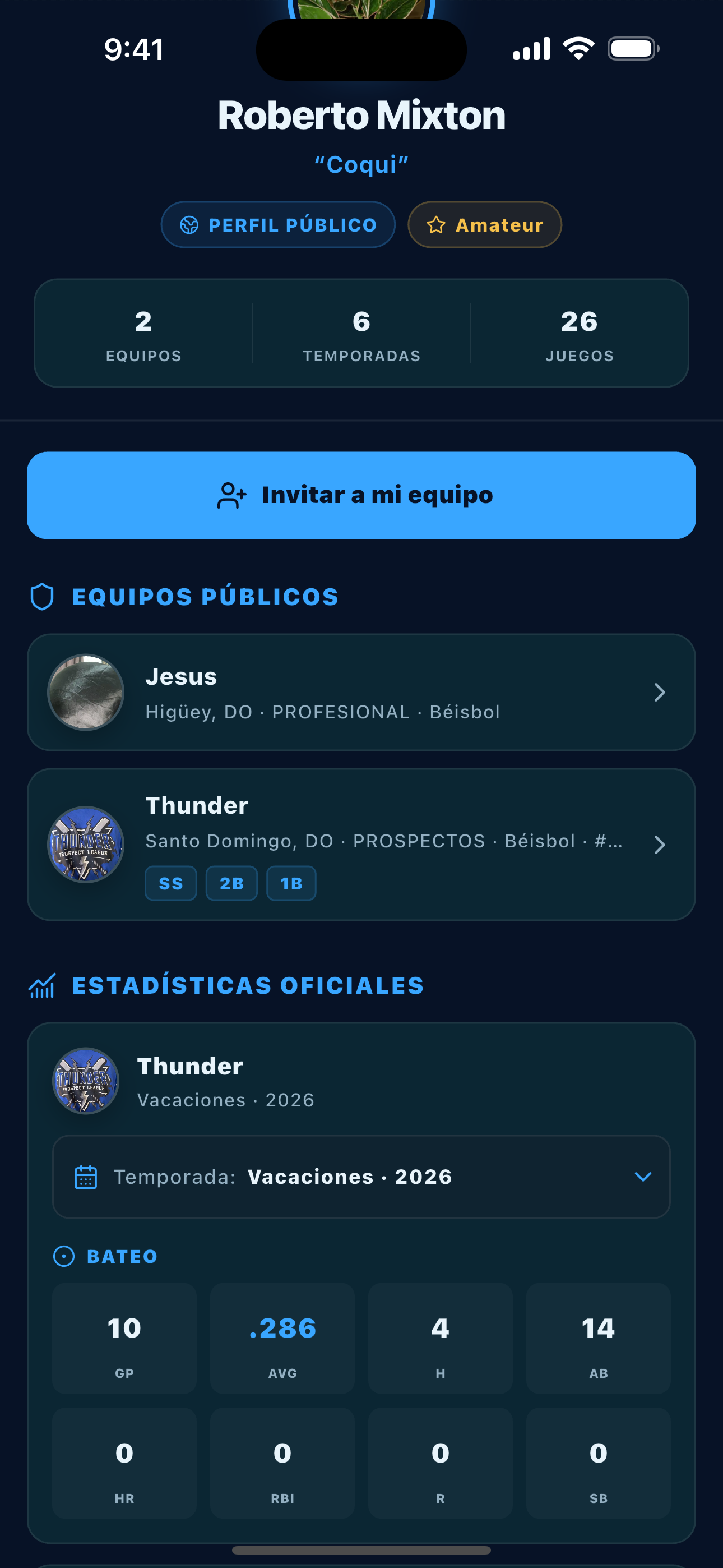
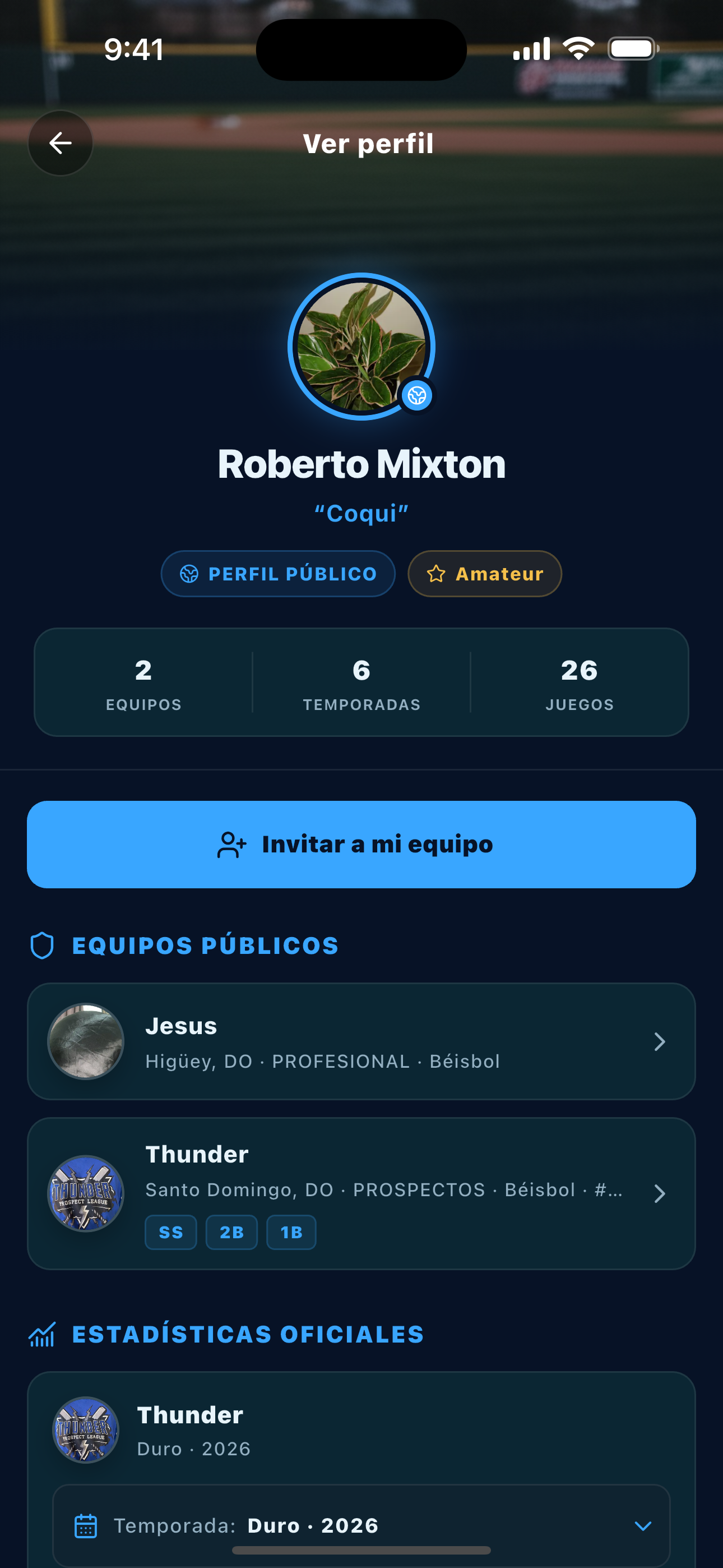
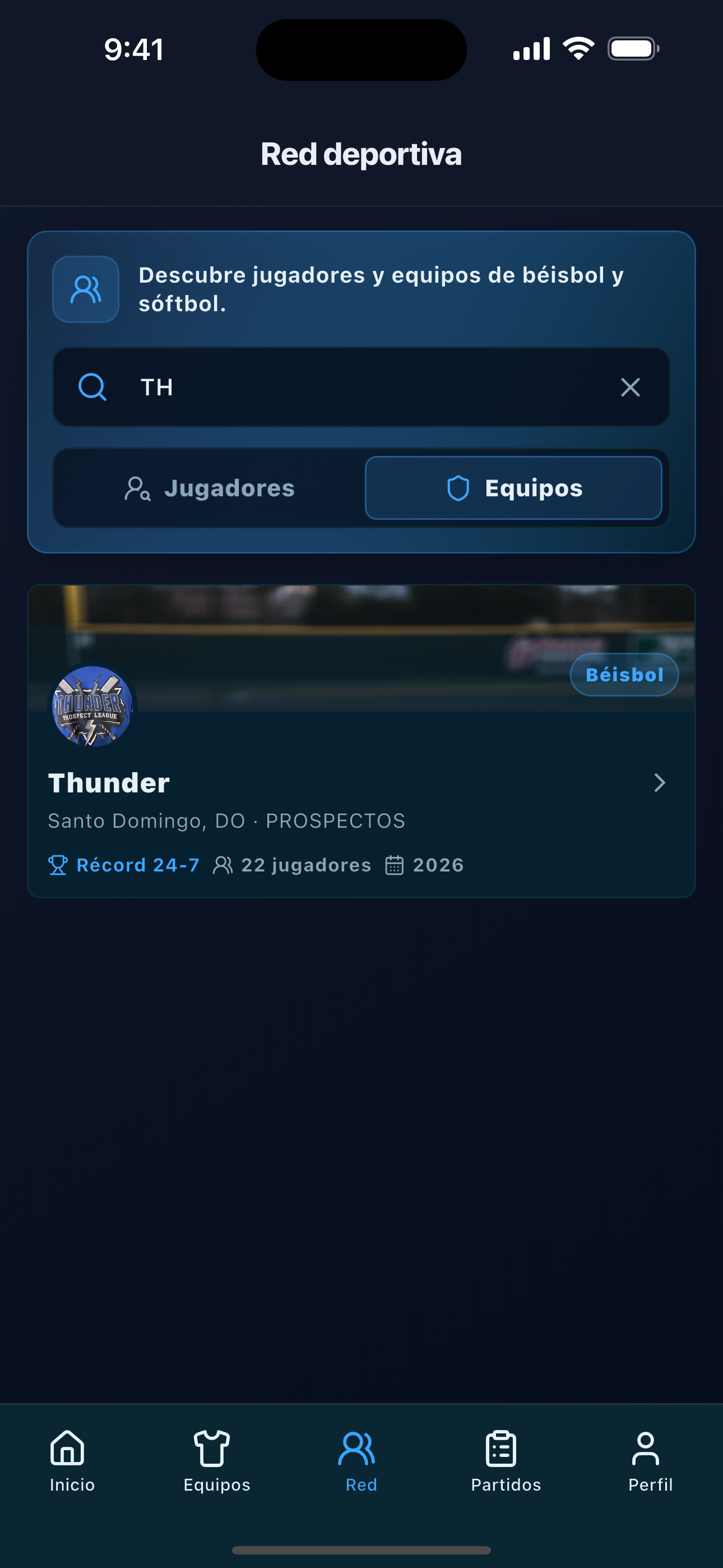
Search public profiles, explore their activity, and invite players to your team.
Sharing
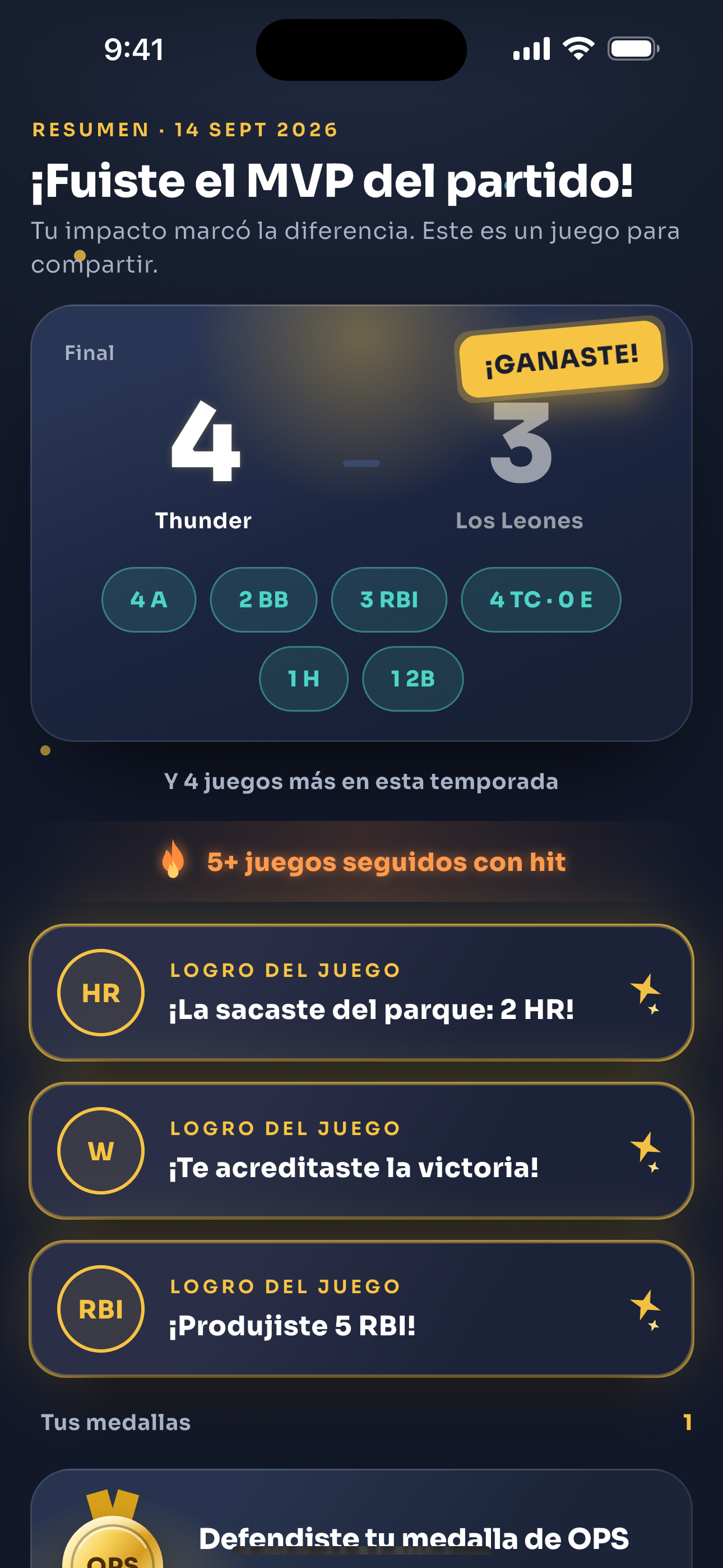
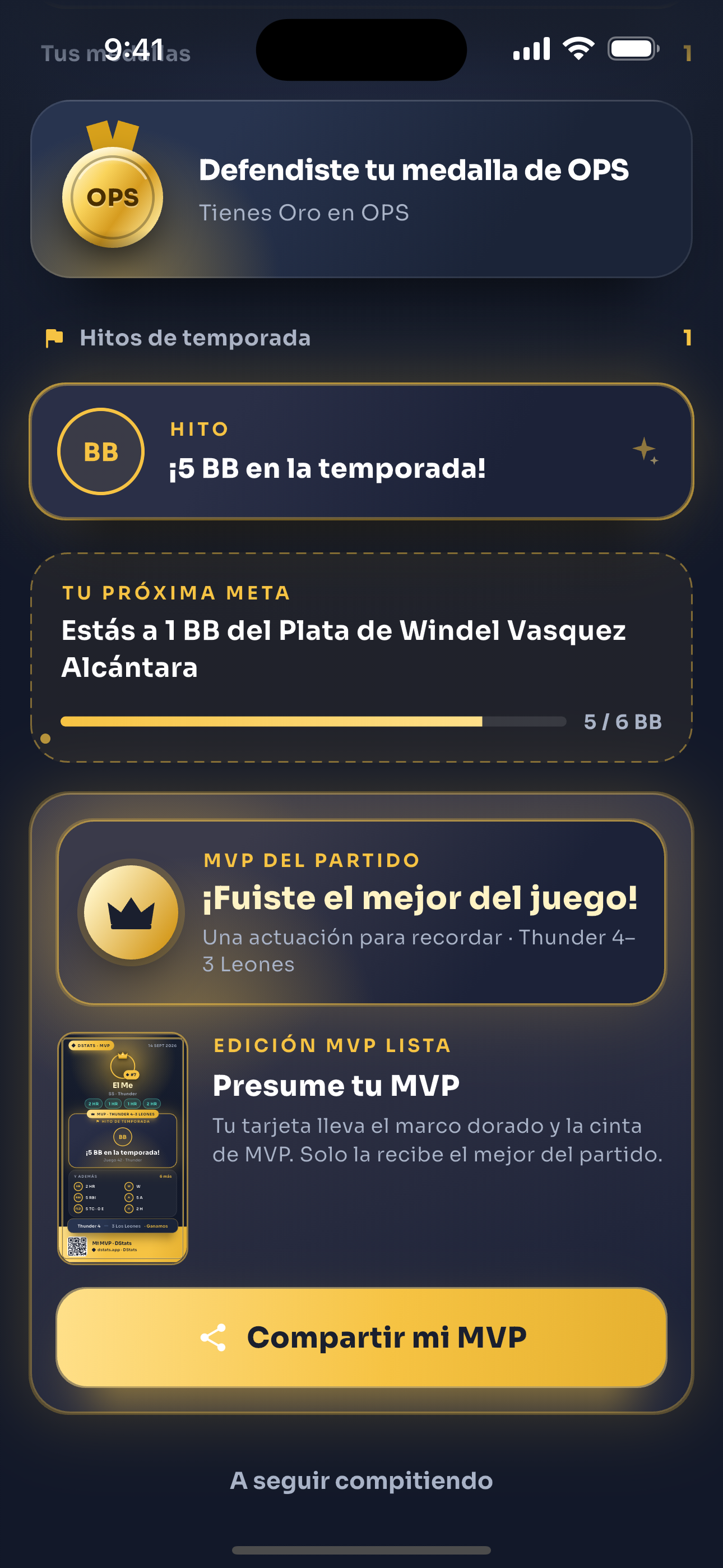
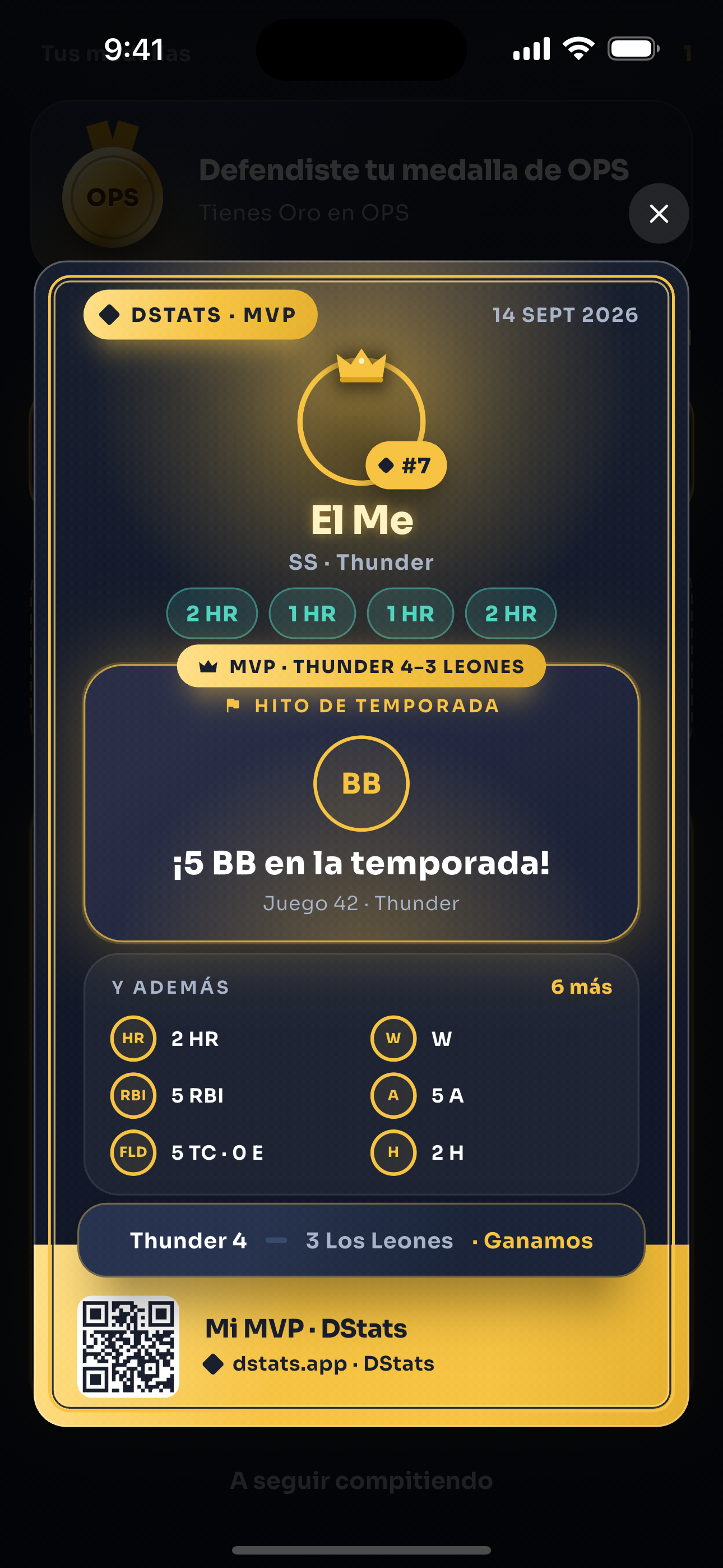
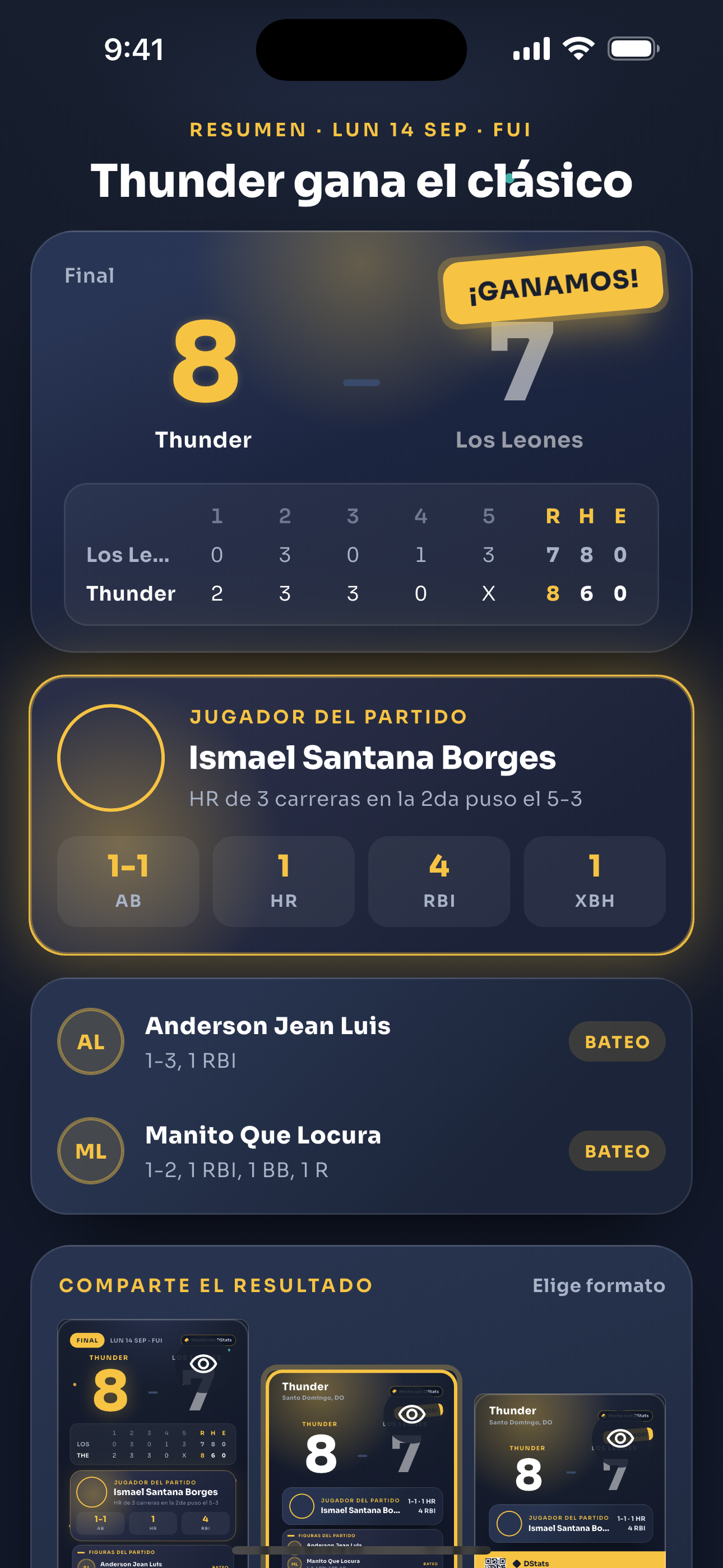
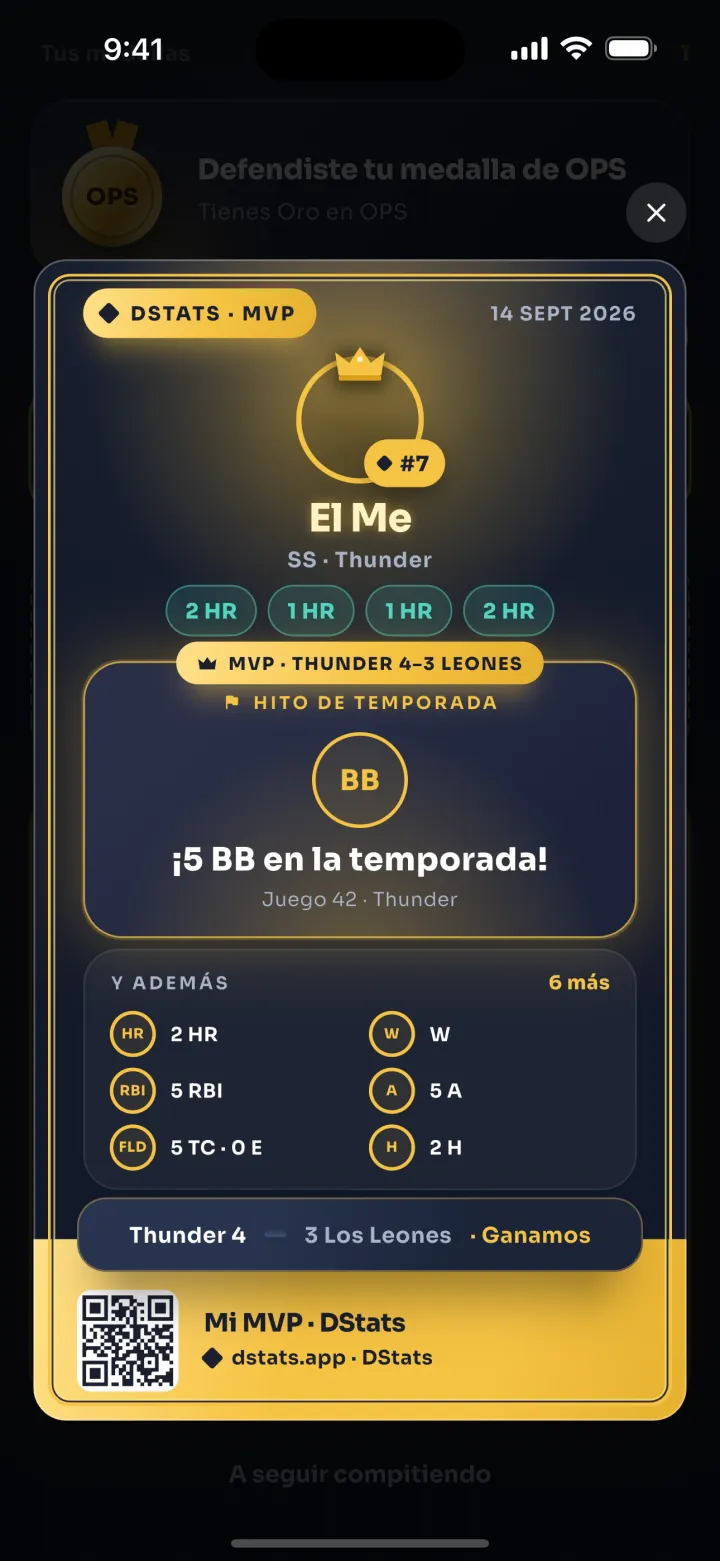
Turn results, MVPs, and achievements into visual cards for your team and fans.
Your account
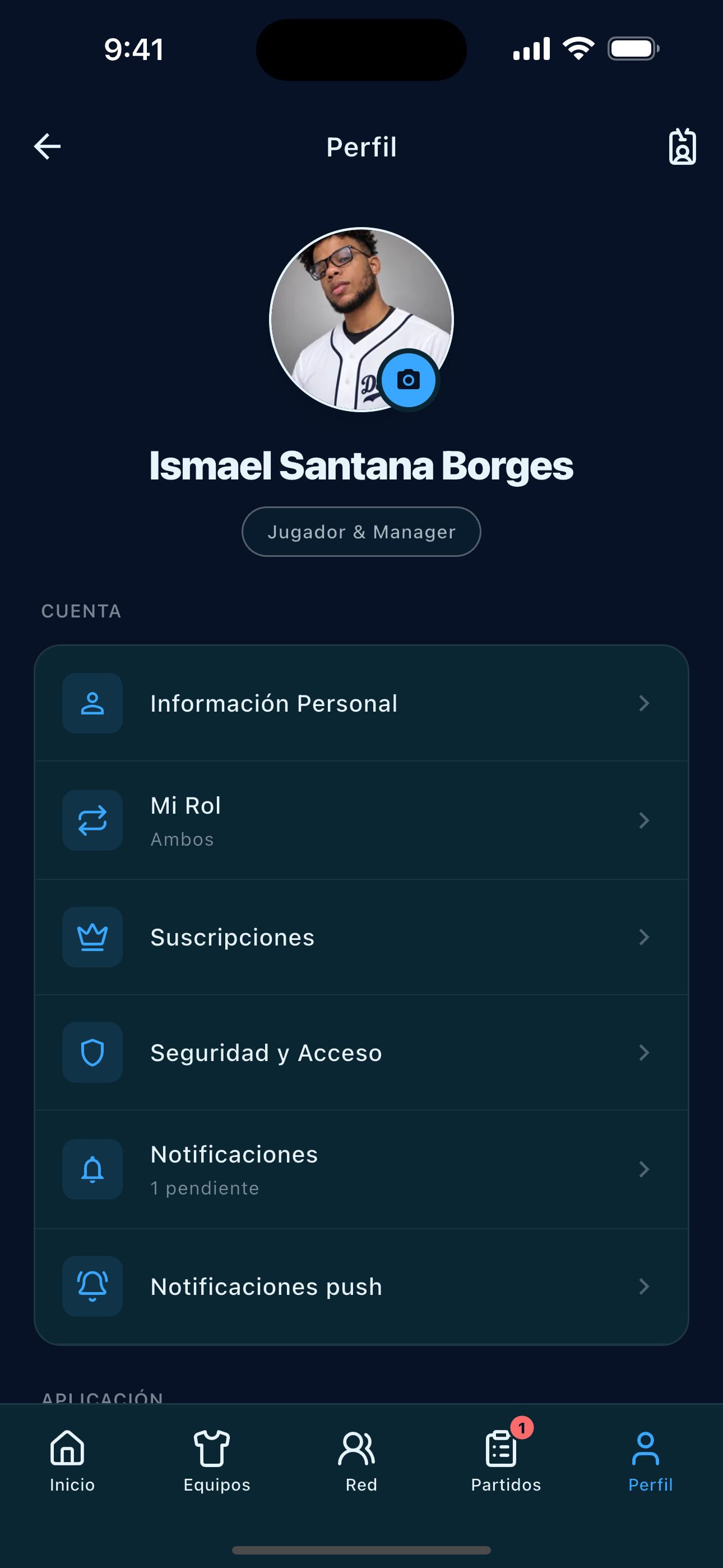
Manage your profile, team, and preferences from account settings.
Beyond the scorebook
Features and conditions that complete the team experience.
Invite players or staff. Each role controls which team actions they can use.
Coordinate a matchup with another team and follow game conditions from activity.
Find invitations, event calls, challenges, and team updates in one place.
Identify your player profile and connect it to the right roster.
Keep scoring at the field; synchronization and live features need a connection.
Organize the team, seasons, roster, events, and permissions; prepare games and review team performance.
Set lineups and score plays using the tools enabled by the team.
Review their profile, games, stats, invitations, and highlights according to their access.
Get started
Download the app for iPhone or Android and explore the complete flow with your team.